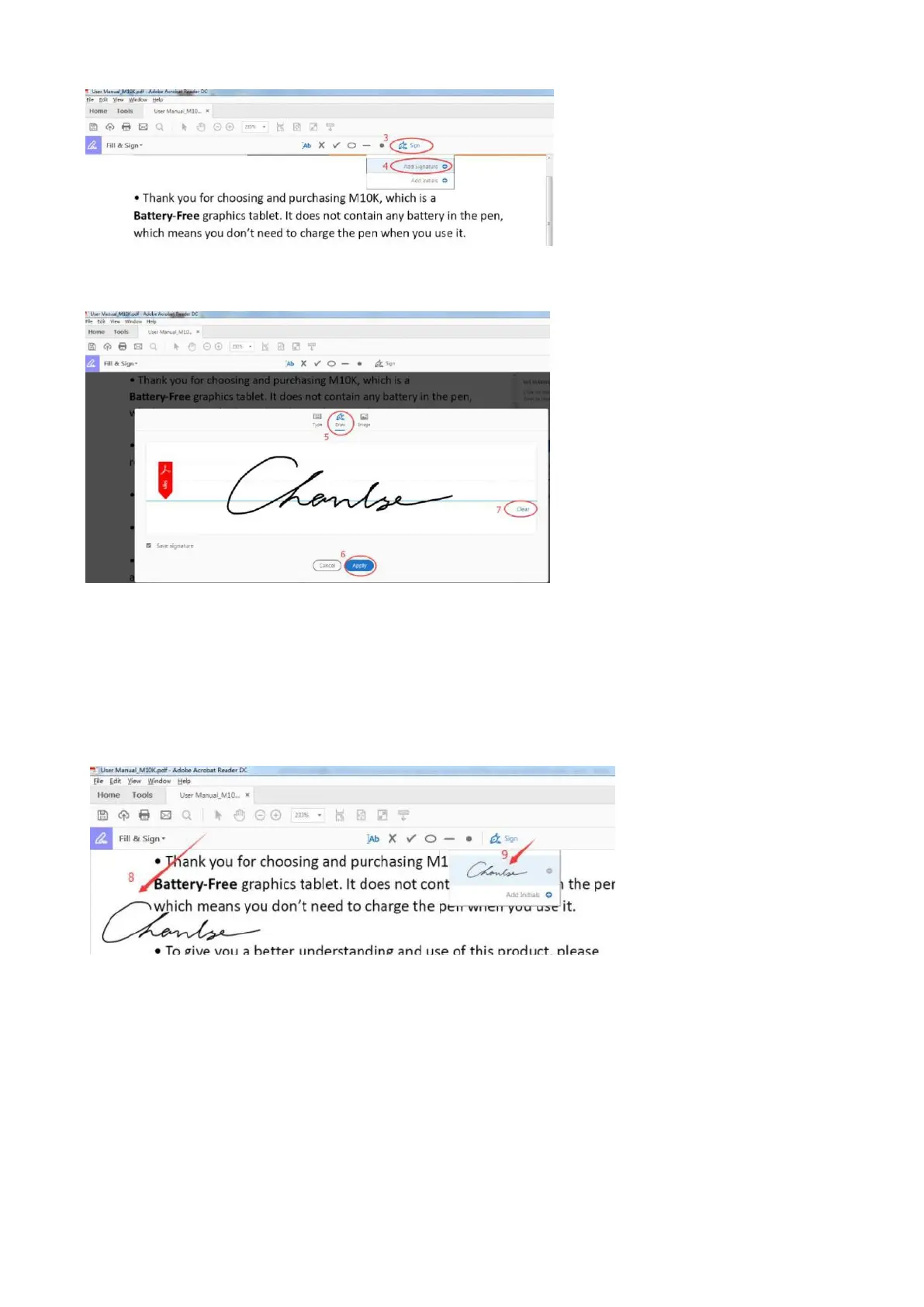
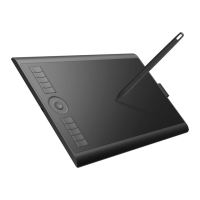
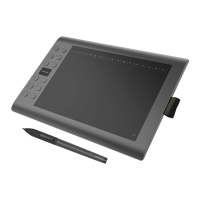
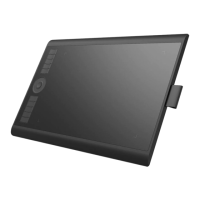
5) Click 'Draw', then you can use GAOMON stylus to write--click 'Apply' to save it.
——Note: 'Clear' means to erase the signature.
6) The signature can be placed anywhere in the PDF after saving it. For example, put the signature
at the place that mark '8': choose 'Sign', click that place, then signature comes out
5.3.2 How to use GAOMON tablet to draw, comment on or highlight PDF files
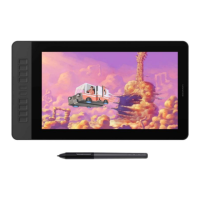
After connecting PD1561 to computer, open the Acrobat Reader DC too.


 To Next Page