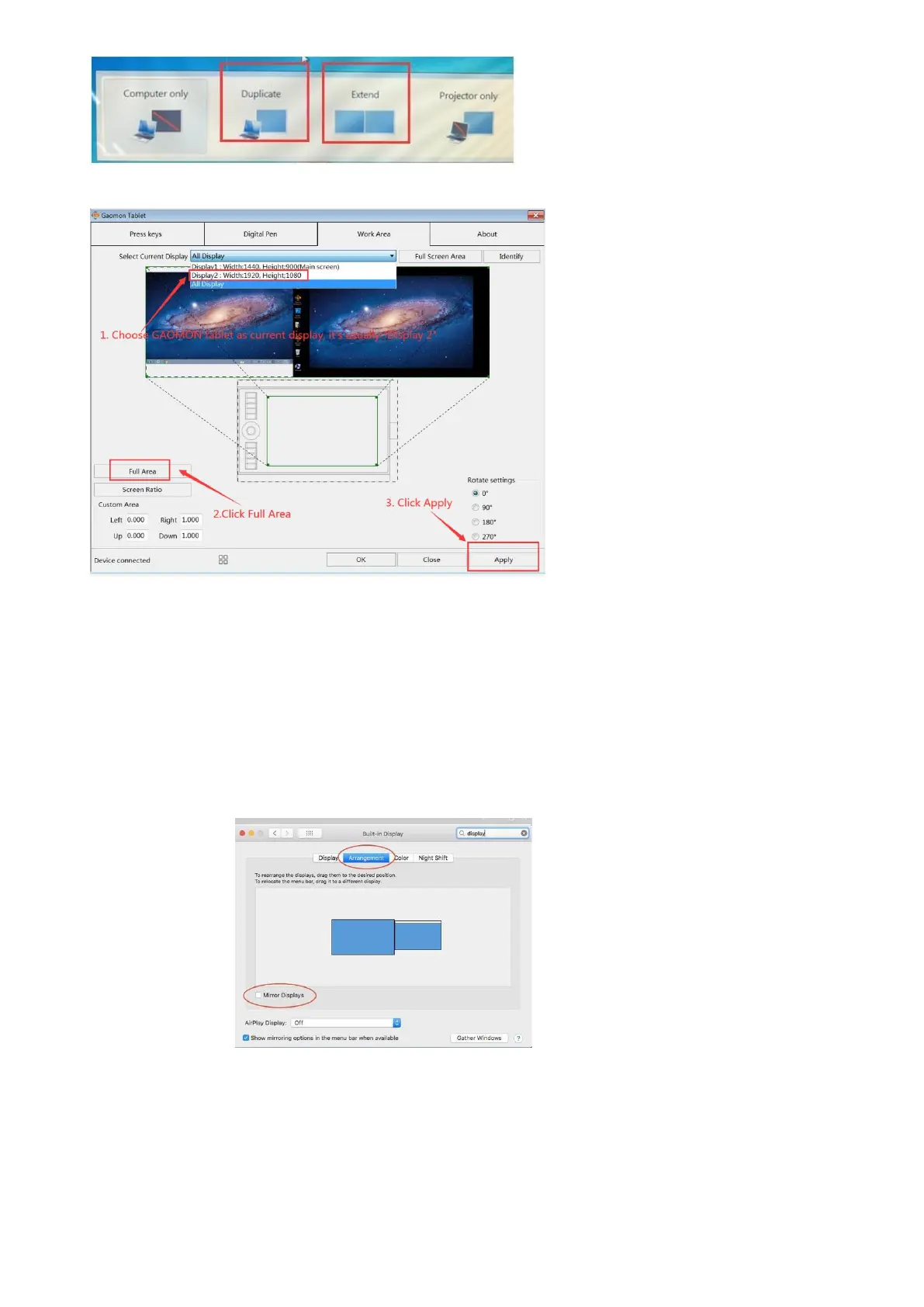
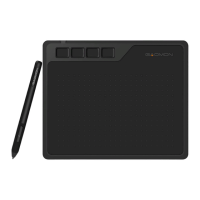
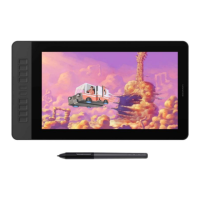
2.Open the GAOMON driver, choose GAOMON tablet as ‘’Current Display’’.
3.Now you can use the mouse to move the application from computer monitor to GAOMON monitor to
work.
Extend on Mac:
1 Set mirror Mode: Click on the Apple icon in the top left corner,---“System preference”---choose
“Display’’--- Unselect the ‘’Mirror Display.’’
2 Open the GAOMON driver, choose GAOMON tablet as ‘’Current Display’’. it’s usually” Disaplay2”. Then
click apply.


 To Next Page