Finding an address
NOTE: the order of the steps may change depending on the map data loaded on your device.
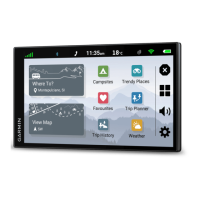
1 Select Where To?.
2 If necessary, select to search near a different town or area.
3 Select Address.
4 Follow the on-screen instructions to enter address information.
5 Select the address.
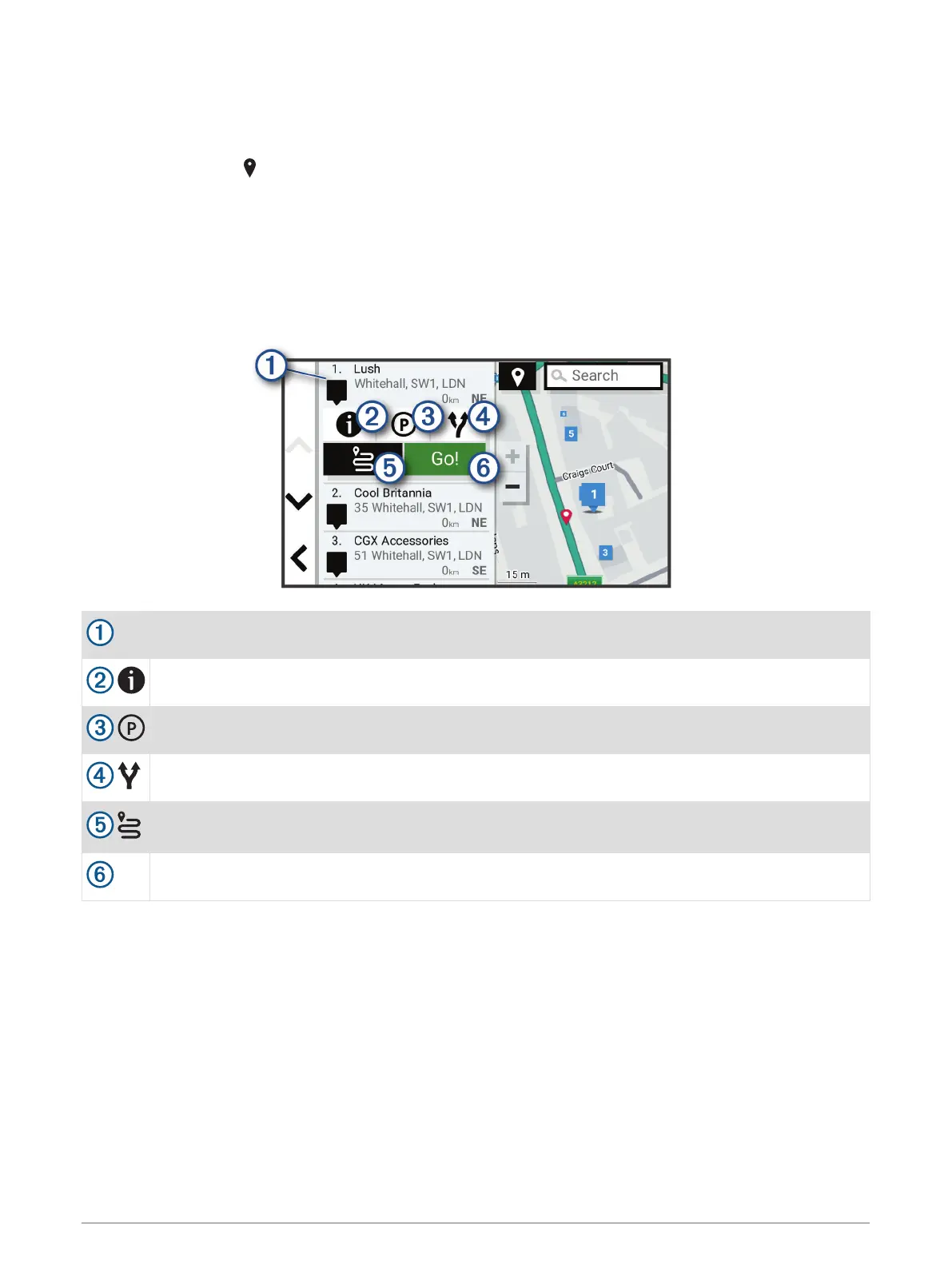
Location Search Results
The location search results appear in a list, with the nearest location at the top. Each numbered location also
appears on the map. You can scroll down to view more results.
Select a location to view the option menu.
Select to view detailed information about the location.
Select to find parking areas near the location.
Select to view alternative routes to the location.
Select to create a route to the location using the Road Trip Routes feature (Starting a Route Using
the RoadTrip Routes Feature, page 13).
Go!
Select to start navigating to the location using the recommended route.
6 Finding and saving locations






 To Next Page