Disconnecting the USB cable
If your device is connected to your computer as a removable drive or volume, you must safely disconnect your
device from your computer to avoid data loss. If your device is connected to your Windows computer as a
portable device, it is not necessary to safely disconnect the device.
1 Complete an action:
• For Windows computers, select the Safely Remove Hardware icon in the system tray and select your
device.
• For Apple
®
computers, select the device, and select File > Eject.
2 Disconnect the cable from your computer.
Viewing GPS signal status
Hold for three seconds.
Purchasing additional maps
1 Go to your device product page at garmin.com.
2 Click the Maps tab.
3 Follow the on-screen instructions.
Purchasing accessories
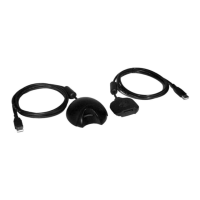
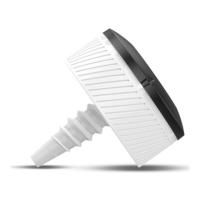
• Optional accessories are available at garmin.com or from your Garmin dealer.
46 Appendix






 To Next Page