Edge 605/705 Owner’s Manual 25
traininG
To create an advanced workout
using the Edge:
1. Press menu > select Training
> Workouts > Advanced >
<Create New>.
2. Enter a descriptive workout
name in the top eld (for
example, 40KHILLS).
3. Select
1. Open No Target >
Edit Step.
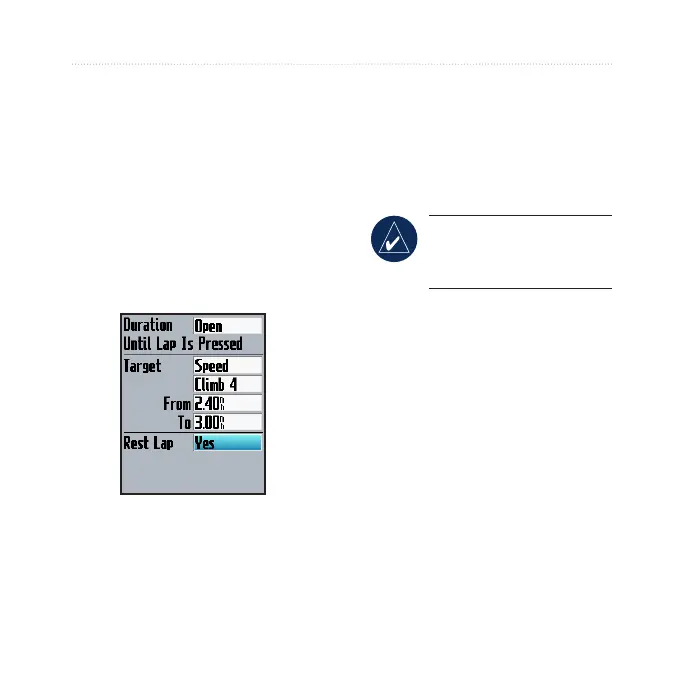
4. In the Duration eld, select
how long you want the step to
last. If you select Open, you
can end the step during your
workout by pressing lap.
5. In the
Target eld, select your
goal during the step (Speed,
Heart Rate, Cadence, Power,
or None).
NOTE: Heart rate,
cadence, and power targets
are for the Edge 705 only.
6. (Optional) Select a target
zone and range. For example,
if your target is heart rate,
select a heart rate zone or
enter a custom range.
7. If this is a rest lap, select
Yes
in the Rest Lap eld.
8. Press
mode to continue.
9. To enter another step, select
<Add New Step>. Then
repeat steps 4–8.



 To Next Page