26 Edge 605/705 Owner’s Manual
traininG
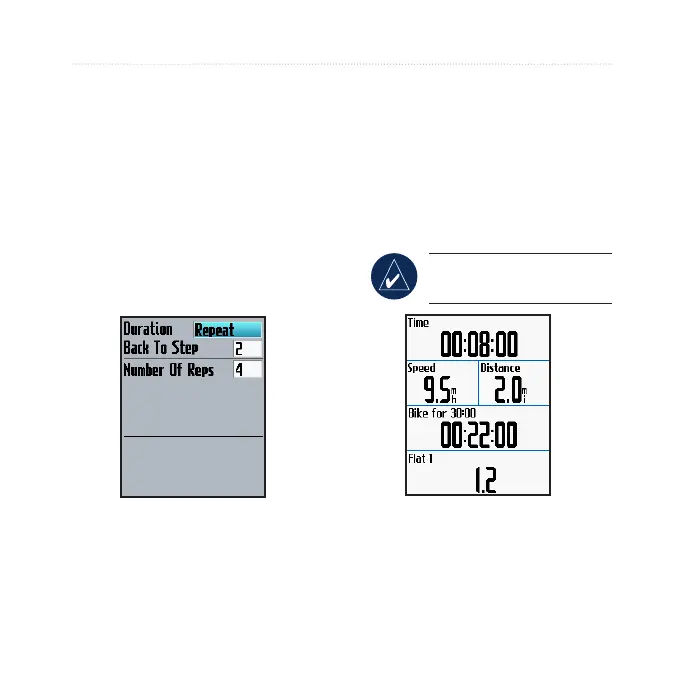
To repeat steps:
1. Select <Add New Step>.
2. In the
Duration eld, select
Repeat.
3. In the
Back To Step eld,
select the step you want to
repeat.
4. In the
Number Of Reps
eld, enter the number of
repetitions.
5. Press mode to continue.
Starting Advanced
Workouts
1. Press menu > select Training
> Workouts > Advanced.
2. Select the workout.
3. Select
Do Workout.
4. Press
start.
NOTE: Press enter to
view more data.



 To Next Page