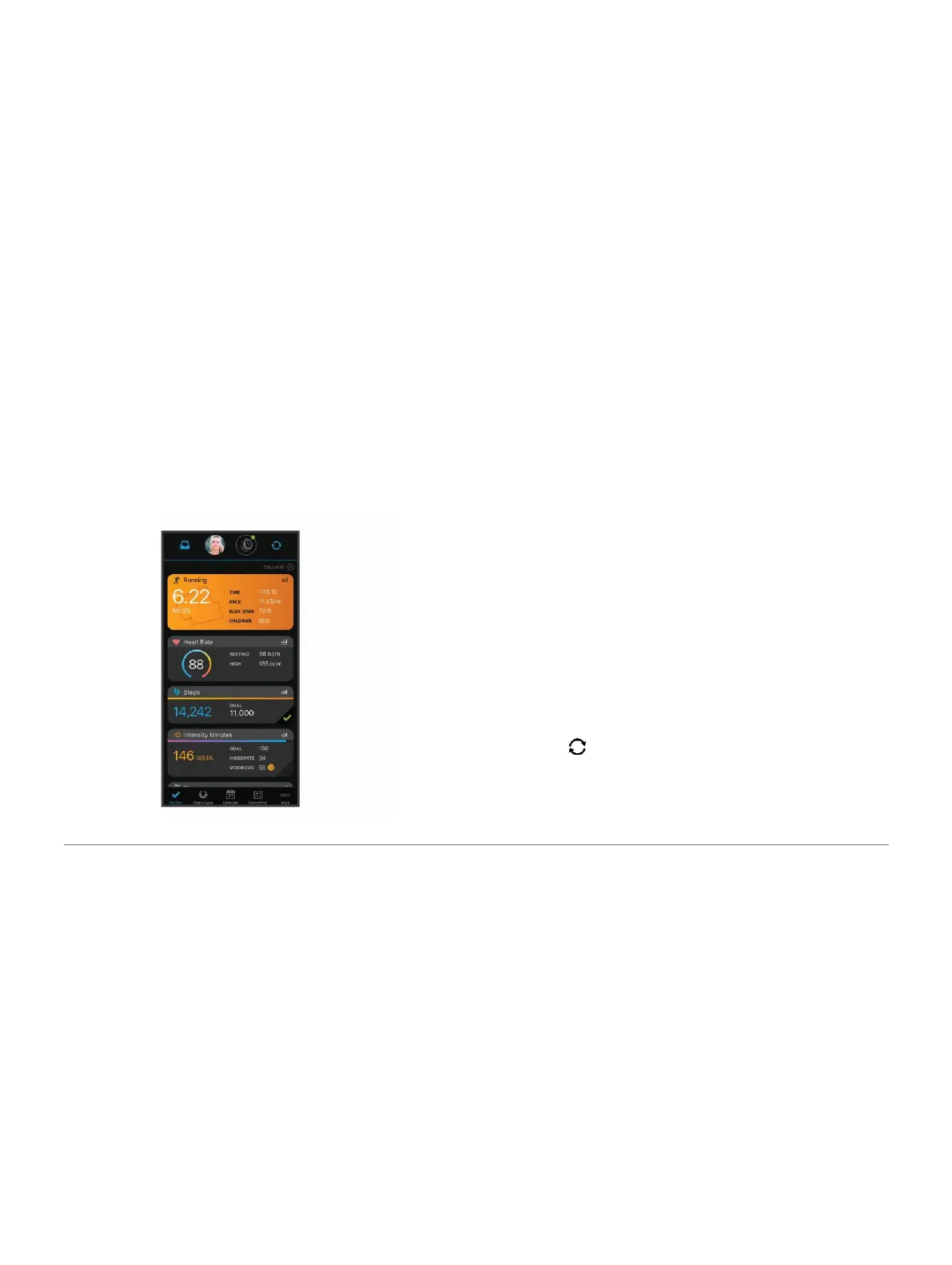
of your active lifestyle including runs, walks, rides,
swims, hikes, triathlons, and more. To sign up for
a free account, go to
www.garminconnect.com
.
Store your activities: After you complete and
save an activity with your device, you can
upload that
activity to your Garmin Connect account and
keep it as long as you want.
Analyze your data: You can view more detailed
information about your activity, including
time, distance, elevation, heart rate, calories
burned, cadence, running dynamics, an
overhead map view, pace and speed charts,
and customizable reports.
NOTE: Some data requires an optional
accessory such as a heart rate monitor.
Plan your training: You can choose a fitness goal and
load one of the day-by-day training plans.
Track your progress: You can track your daily steps,
join a friendly competition with your connections,
and meet your goals.
Share your activities: You can connect with friends to
follow each other’s activities or post links to
your activities on your favorite social networking
sites.
Manage your settings: You can customize your
device and user settings on your Garmin
Connect account.
Access the Connect IQ store: You can download
apps, watch faces, data fields, and widgets.
Synchronizing Your Data with the Garmin
Connect App
Your device periodically synchronizes data with the
Garmin Connect app automatically. You can also
manually synchronize your data at any time.
1 Bring the device within 3 m (10 ft.) of
your smartphone.
2 From any screen, hold LIGHT to view the
controls menu.
3 Select .
4 View your current data in the Garmin Connect app.
History 25















 To Next Page