2 Select .
NOTE: You may need to add this item to
the
controls menu (
Customizing the Controls
Menu,
page 29
).
3 Follow the on-screen instructions.
Editing Your Saved Locations
You can delete a saved location or edit its
name, elevation, and position information.
1 From the watch face, select START.
2 Select an activity.
NOTE: This feature is not available for all activities.
3 Hold UP.
4 Select Navigation > Saved Locations.
5 Select a saved location.
6 Select an option to edit the location.
Deleting All Saved Locations
You can delete all of your saved locations at once.
1 From the watch face, select START.
2 Select an activity.
NOTE: This feature is not available for all activities.
3 Hold UP.
4 Select Navigation > Saved Locations > Delete All.
Navigating to Your Starting Point
During an Activity
You can navigate back to the starting point of your
current activity in a straight line or along the path
you traveled. This feature is available only for
activities that use GPS.
1 During an activity, select STOP > Back to Start.
2 Select an option:
• To navigate back to the starting point of
your activity along the path you traveled,
select TracBack.
• To navigate back to the starting point of
your activity in a straight line, select Straight
Line.
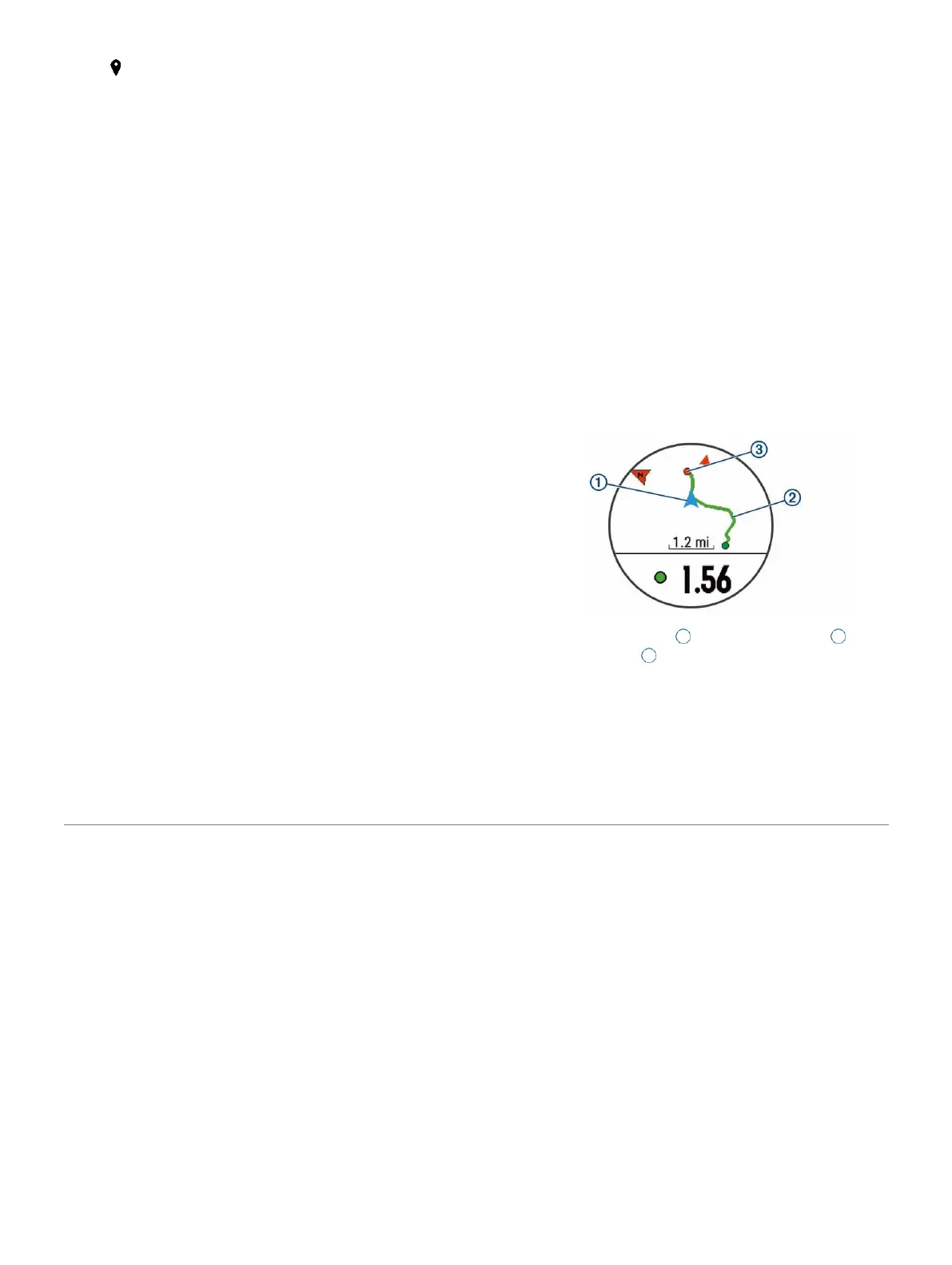
Your current location
1
, the track to follow
2
, and
your destination appear on the map.
Navigating to the Starting Point of Your Last
Saved Activity
You can navigate back to the starting point of your last
26 Navigation















 To Next Page