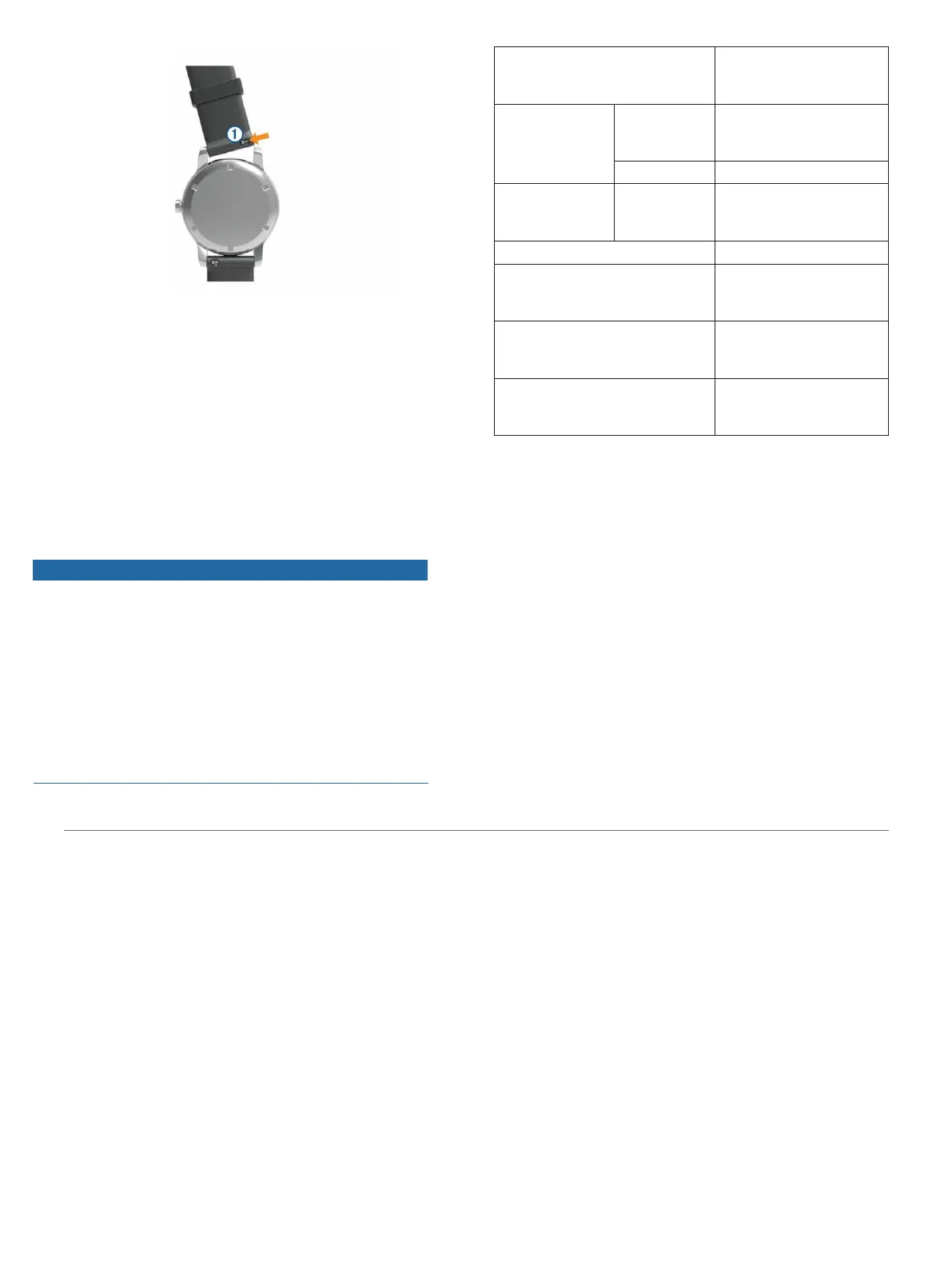
2 Insert one side of the spring bar for the new
band into the device.
3 Slide the quick-release pin, and align the
spring bar with the opposite side of the
device.
4 Repeat steps 1 through 3 to replace the
other band.
Specifications
NOTICE
Typical value tested under Garmin’s laboratory
conditions. The actual battery life depends on
the features enabled on your device and
environmental factors, such as activity tracking,
wrist-based heart rate, smartphone notifications
frequency, GPS status, internal sensors, and
connected sensors.
*The device withstands pressure equivalent to a depth of 50 m.
For more information, go to
Garmin.com.sg/legal/waterrating
.
Troubleshooting
Product Updates
On your computer, install Garmin Express
(
Garmin.com. sg/express
). On your smartphone, install
the Garmin Connect app. This provides easy access to
these services for Garmin devices:
Software updates
Data uploads to Garmin Connect
Troubleshooting 35















 To Next Page