8 GPSMAP
®
2008/2108 Owner’s Manual
Us i n g Ch a r T s
Navigation Chart Settings
To access additional settings or options for the
navigation chart, press
.
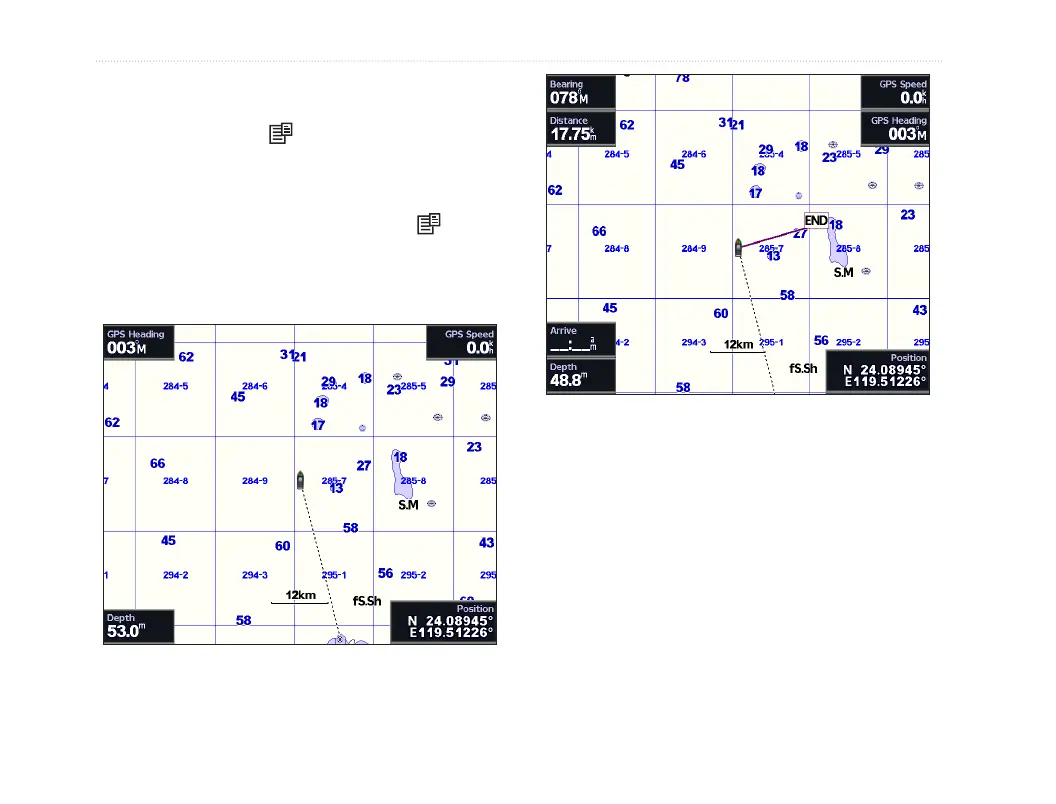
Full Screen Map (Show Numbers)—view the
navigationorshingchartinfull-screenmode,
without numbers. To view numbers, select
and
Show Numbers to view numbers again.
Full Screen Map
Show Numbers
Overlay Numbers—show or hide cruising, sailing,
navigation,andshingnumbersonthenavigationor
shingchart.
Chart Setup—customize the navigation chart. See
page 11.
Waypoints—showuser′swaypointfornavigationor
edit waypoints.
Routes—createorselectuser′sroutefornavigation.













 To Next Page