GPSMAP
®
2008/2108 Owner’s Manual 11
Us i n g Ch a r T s
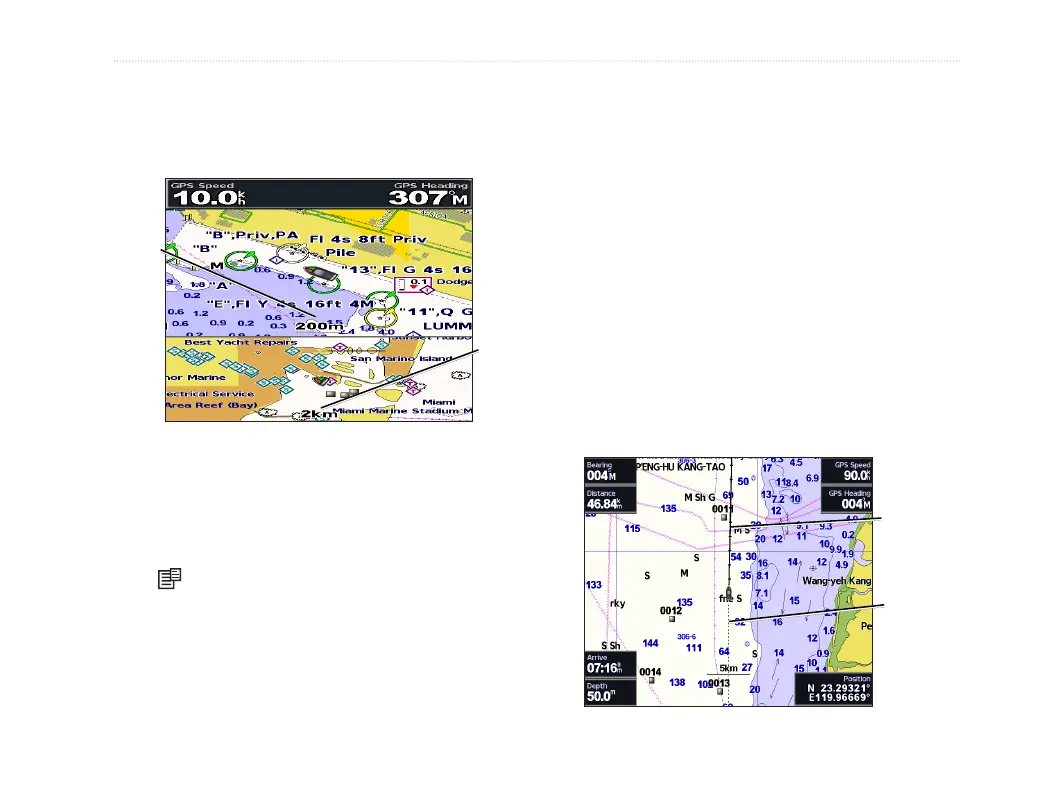
Using the Split Navigation Chart
Use the Split Navigation Chart to view two different
zoom levels of the Navigation Chart at the same time.
Near zoom
Split Navigation Chart
(with a BlueChart
®
g2 card)
Far zoom
The top half of the screen is zoomed in 10 times
closer than the bottom half of the screen.
The Range
(+/-) keys control the zoom level.
Press to view additional settings. See page 8.
Changing the Chart Settings
To change chart settings, from the Home screen,
select Charts >
Chart Setup.
Orientation—change the perspective of the map
display:
• North Up—sets the top of the map display to a
north heading.
• Track Up—sets the map display to the current
track heading.
• Course Up—sets the map so the direction of
navigation is always up and turns the course
line vertical on the screen.
Heading line
Track













 To Next Page