10 GPSMAP
®
2008/2108 Owner’s Manual
Us i n g Ch a r T s
2. Select the item. If more than one item is in the
area, select Review, and then select the item.
Viewing Tidal Information
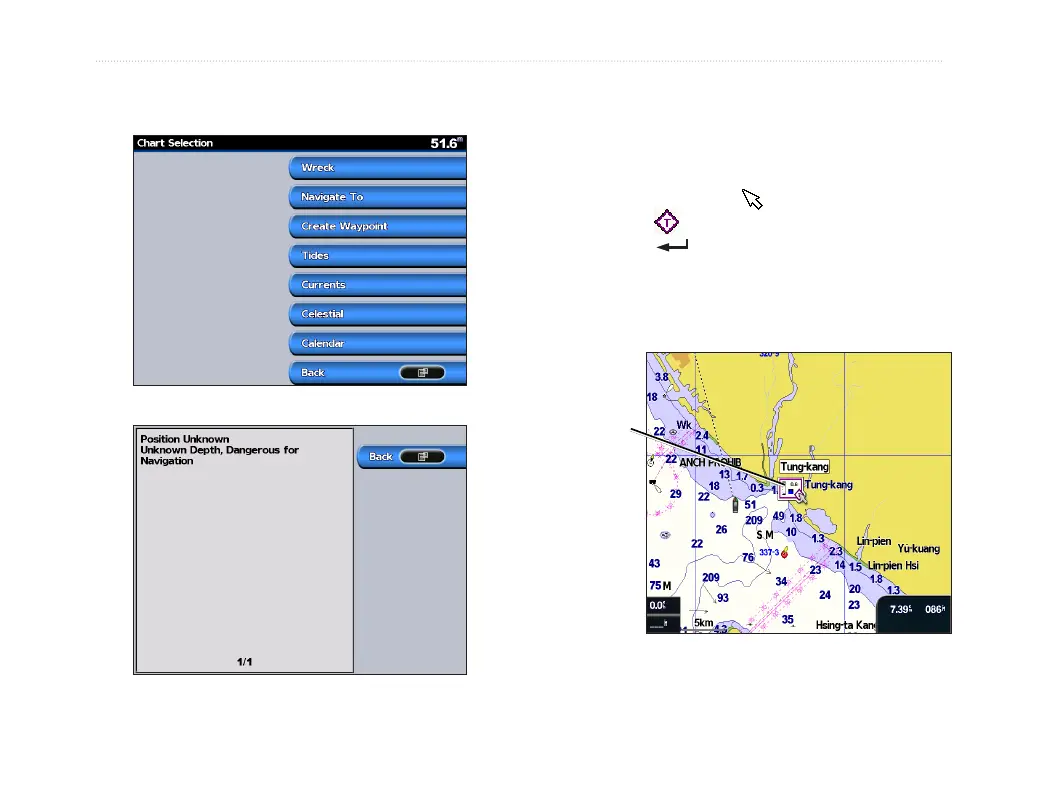
Tidal station appears on the chart with a detailed
information for users’ reference. You can view an in-
depth description.
1. Use the map pointer ( ) to highlight a tide
station icon ( ),
and press .
2. Select Tidal Name(Tung-Kang) and you can
view detailed tidal
information.
Relevant tide level
(when animated)
For more information about tides, see page 22.













 To Next Page