14 GPSMAP
®
2008/2108 Owner’s Manual
Wh e r e To
Wh e r e To
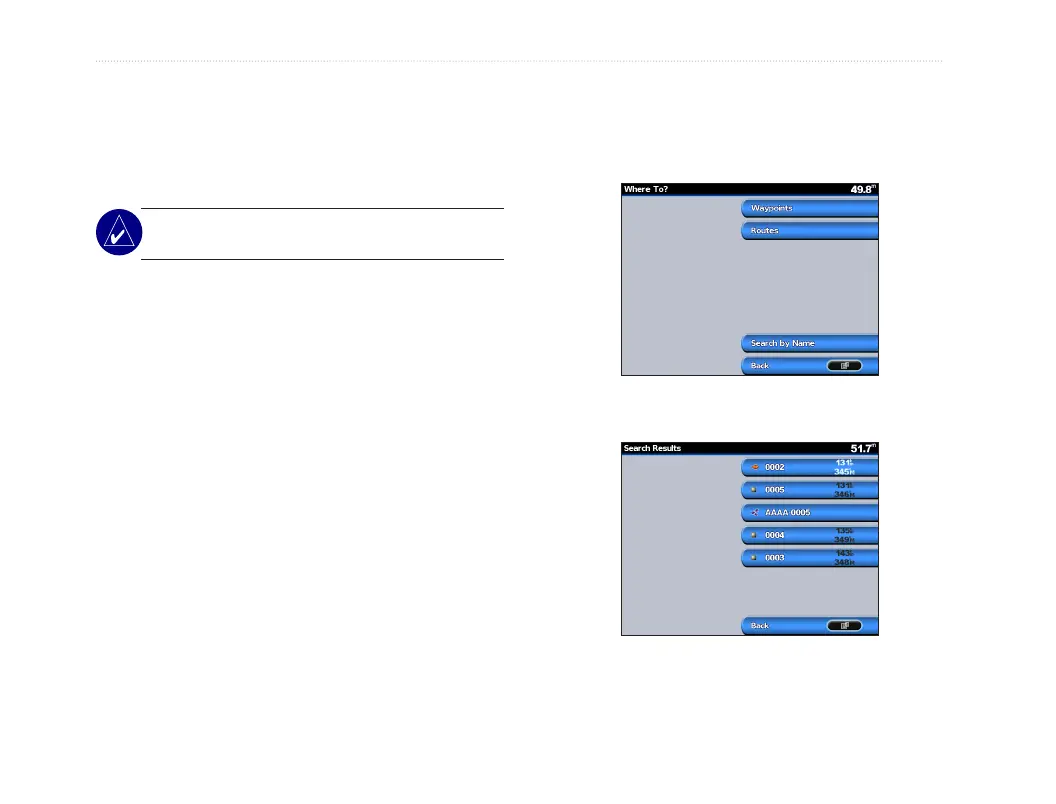
Use the Where To option on the Home screen to
search for, and navigate to, nearby fuel, repairs,
marinas, ramps, waypoints, and routes.
NOTE: You have to create waypoints and routes
before you can navigate to them.
You can navigate to a destination using one of three
methods:
Go To, Route To, or Guide To.
• Go To—takes you directly to the destination.
• Route To—creates a route from your location
to a destination, allowing you to add turns to
the route.
Navigating to a Destination
You can search for, and navigate to, nearby
destinations including fuel, repairs, marinas,
waypoints, and routes.
To begin navigating:
1. From the Home screen, select Where To.
2. Select Waypoint as of interest.
3. Select Navigate To/Go To-if destination is one
stop.
4. Route To-if there are several steps to visit.
“Where To” Categories
Search by Name













 To Next Page