18 GPSMAP
®
2008/2108 Owner’s Manual
Wh e r e To
To move the waypoint on the navigation
chart:
1. Select Edit Waypoint > Position > Use
Chart.
2. Use the ROCKER to move the waypoint to a
different location, and press .
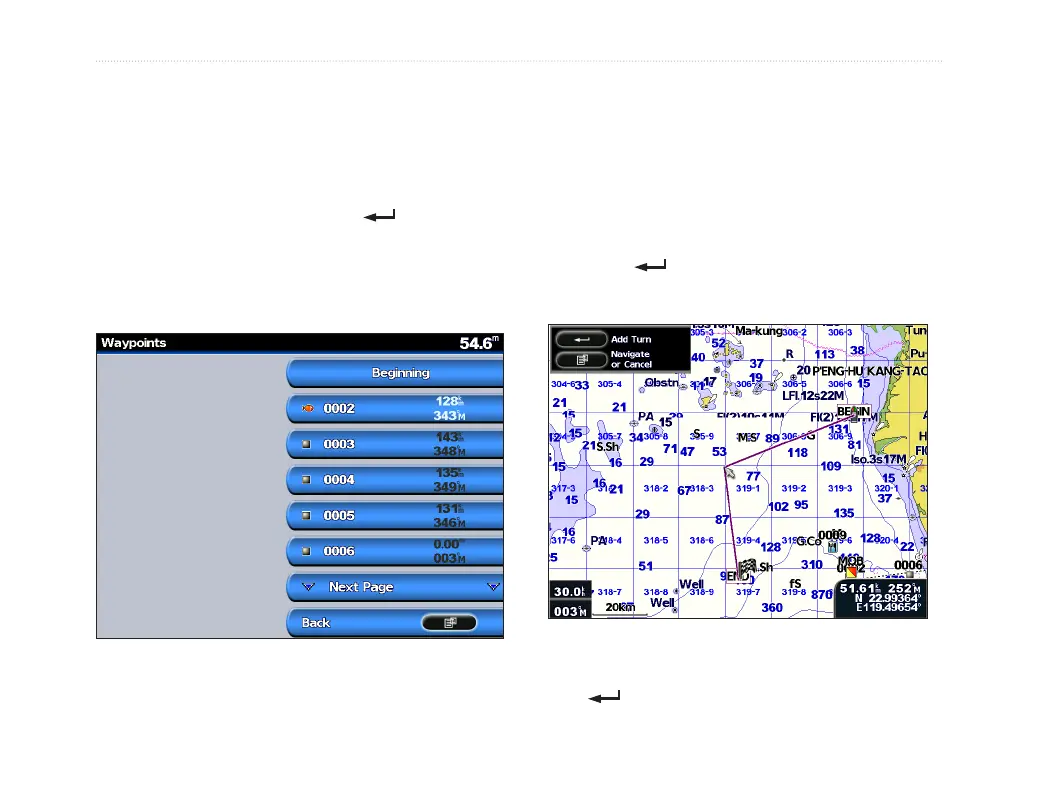
To view a list of all waypoints:
From the Home screen, select Information >
User Data > Waypoints.
Creating and Using Routes
You can create and store up to 50 routes, with up to
250 waypoints each.
To create a route from your present
location:
1. Move the map pointer to a destination, and
press .
2. Select Navigate To > Route To.
Adding a Turn to a Route
3. Use the ROCKER to add a turn, and press
. Repeat this step to add additional turns.













 To Next Page