GPSMAP
®
2008/2108 Owner’s Manual 17
Wh e r e To
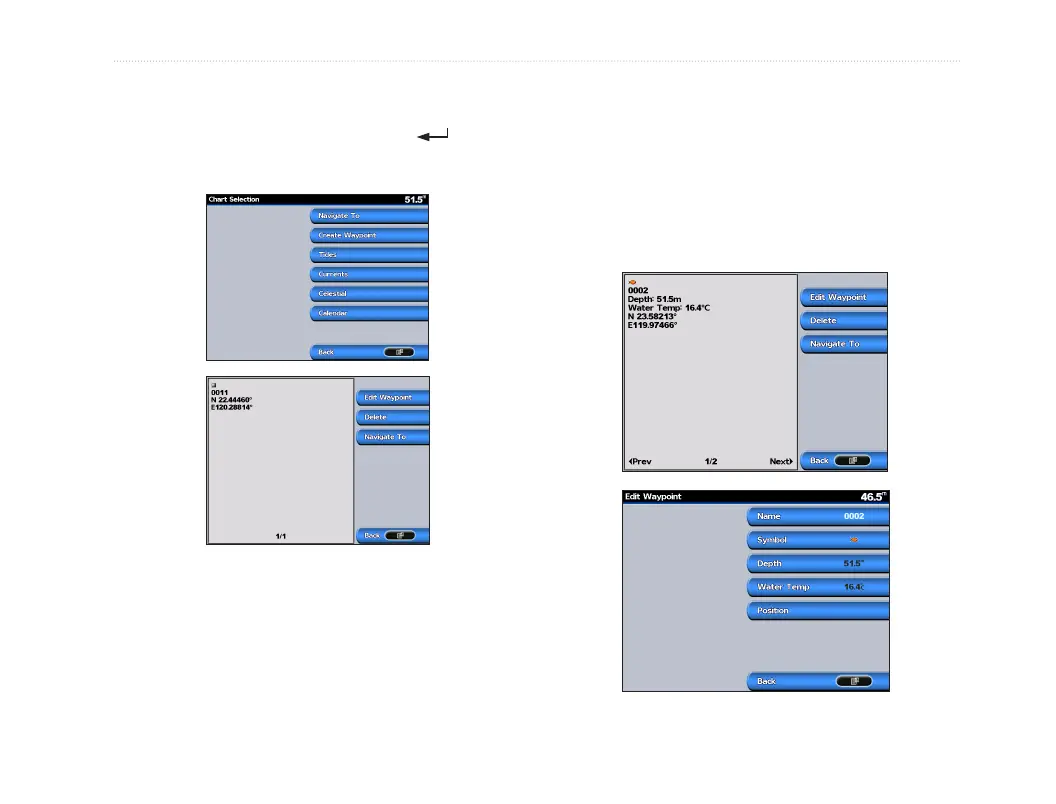
To create a new waypoint:
1. On the Navigation, move the map pointer to
the location you want, and press .
2. Select Create Waypoint.
3. Select one of the following:
• Edit Waypoint—customize the waypoint
attributes.
• Delete—delete the waypoint.
• Navigate To—go to the waypoint.
• Back—return to the navigation chart.
To edit a waypoint:
1. Create a new waypoint or select a waypoint on
the navigation chart.
2. Select Edit Waypoint.
3. Select the waypoint attribute you want to
change (Name, Symbol, Depth, Water Temp,
or Position).













 To Next Page