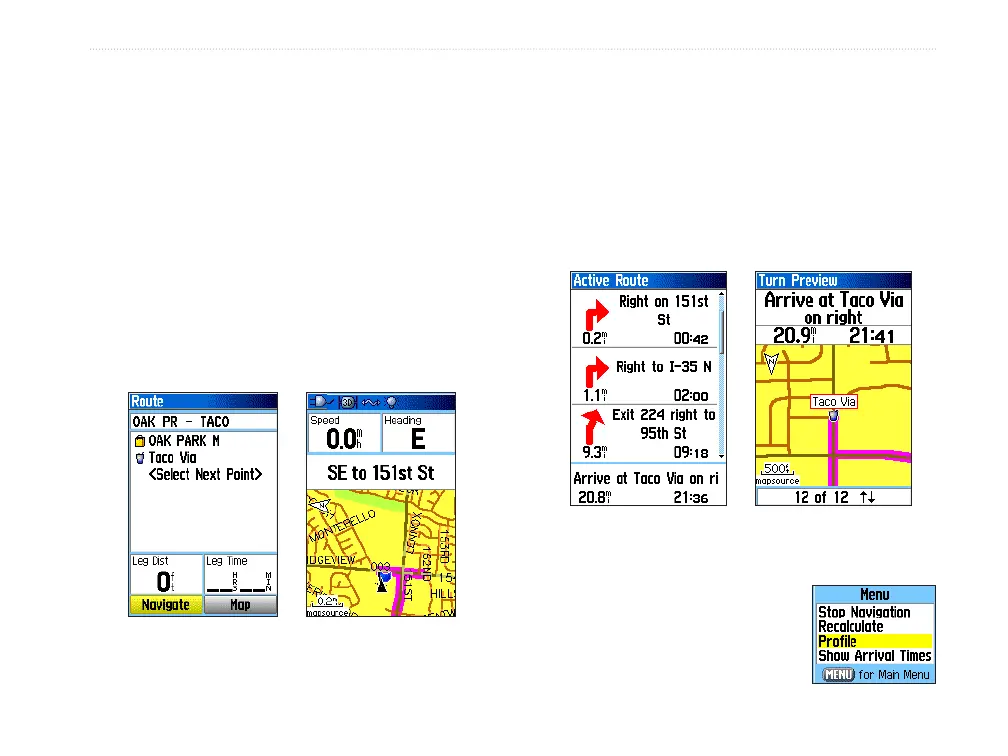
To preview the turns for an active route:
1. On the Routes Page, highlight a saved route,
and press ENTER to open the Route Page for
the selected route.
2. Highlight the Navigate button, and press
ENTER to begin navigation and show the route
on the Map Page.
3. While navigating a route, press PAGE to open
the Active Route Page. To view an individual
turn on the list, use the ROCKER to highlight
it, and press ENTER.
Route on the Map
Page
Route Page
The Turn Preview Page shows the turn and
guidance text. A small eld at the bottom
shows the turn number in sequence and the
total turns in the route.
4. To scroll through all turn previews, press up or
down on the ROCKER. Press QUIT to close
the Turn Preview Page and return to the Active
Route Page.
Active Route Page
when following roads
Turn Preview Page
5. To view a route prole, press
the MENU key and select
Prole from the Options
Menu (if using DEM topo
maps)
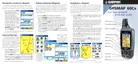
GPSMAP 60Cx Owner’s Manual 33
bAsIc oPerAtIon > creAtIng And usIng routes















 To Next Page