• Recalculate—recalculates a route. (disabled
when there is no active navigation)
• Data Fields—opens the Show menu to select the
number of data elds to show on the Map Page.
Map Only, 1 wide, 2, 2 wide, 3, or 4 data elds.
• Change Data Fields—allows you to select the
type of data you want to show in the data elds.
This option is available only if data eld option
is selected.
• Guidance Text
—shows messages on the screen
advising you of your next navigation move
when navigating to a destination.
• Setup Map
—accesses six pages of Map
display settings so you can customize the map.
•
Measure Distance (Stop Measuring)—
measures the distance from your current
location to the map pointer.
• Turn Declutter On (Off)
—hides or shows
items on the map that can block road details
when the map is zoomed out.
• Restore Defaults
—returns the map page to the
factory set defaults.
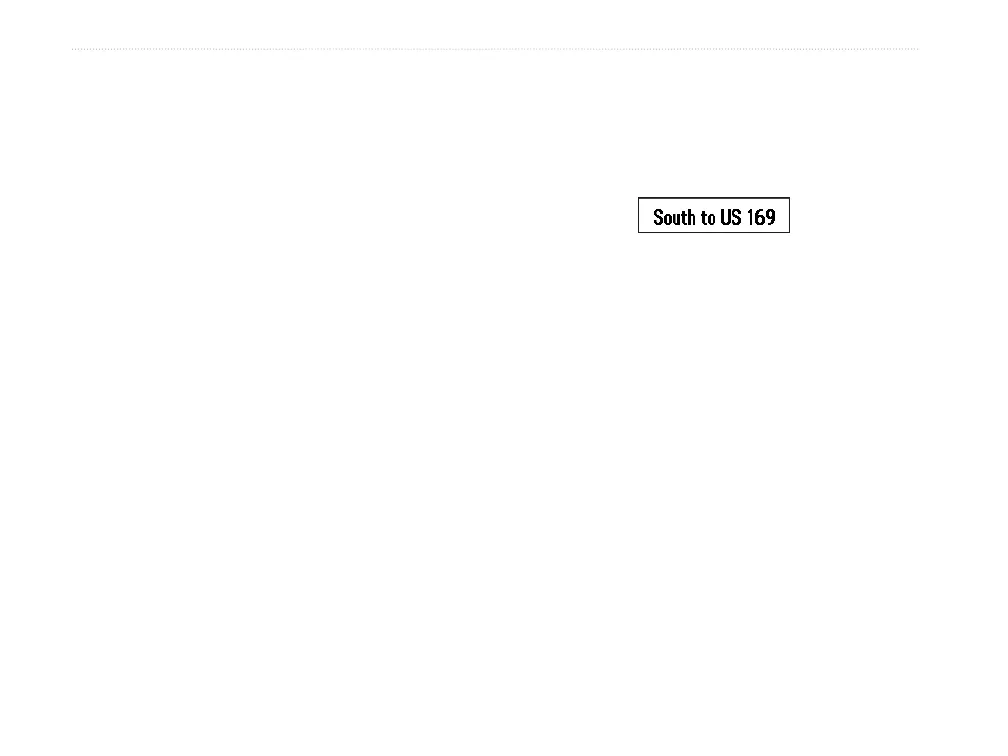
Guidance Text
When navigating, guidance text appears above the
map. Guidance Text shows useful information when
navigating to a destination.
Guidance text
To show guidance text:
1. Press MENU to open the Map Page Options
Menu.
2. Highlight Guidance Text, and press ENTER.
The Guidance Text submenu opens.
3. Select an option (Always Show, Never
Show, or Show When Navigating), and press
ENTER.
If you select Always Show, a message of some type
always appears whether or not you are navigating.
If you select Show When Navigating, a guidance
message appears until you select Stop Navigation
from the Options Menu.
42 GPSMAP 60Cx Owner’s Manual
MAIn PAges > MAP PAge















 To Next Page