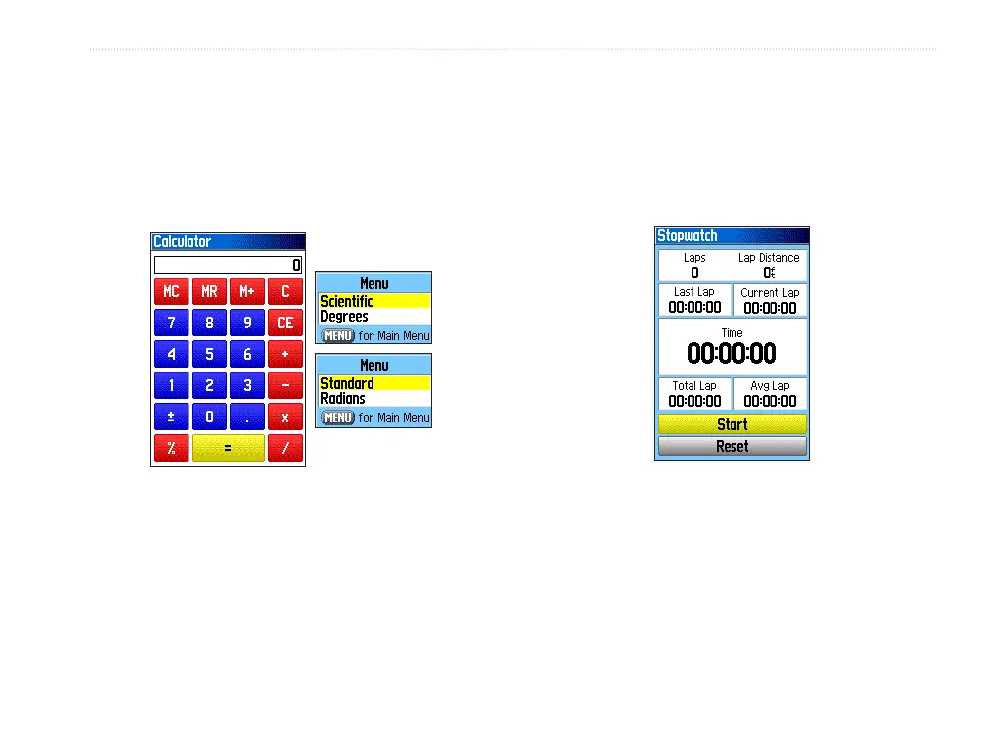
Calculator
Select the Calculator icon to use your GPSMAP
60Cx as a calculator. You can select either a standard
or scientic calculator and degrees or radians from the
Options Menu.
Options Menus
Calculator Page
To use the calculator:
1. Press MENU twice to open the Main Menu.
2. Select the Calculator icon, and press ENTER.
3. Use the ROCKER and the ENTER key to
operate the calculator.
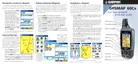
Stopwatch
Select the Stopwatch icon to use the GPSMAP
60Cx as a stopwatch, which includes a lap timer. You
can also have the unit record the lap time based on
distance.
To access the stopwatch:
1. Press MENU twice to open the Main Menu.
2. Select the Stopwatch icon, and press ENTER.
To start the stopwatch:
Highlight the Start button, and press ENTER
to start the stopwatch.
GPSMAP 60Cx Owner’s Manual 67
MAIn Menu > cAlculAtor















 To Next Page