Garmin GPSMAP 695/696 Owner’s Manual
190-00919-00 Rev. D
128
Additional Features
OverviewGPS NavigationFlight PlanningHazard AvoidanceAdditional FeaturesAppendicesIndex
1)
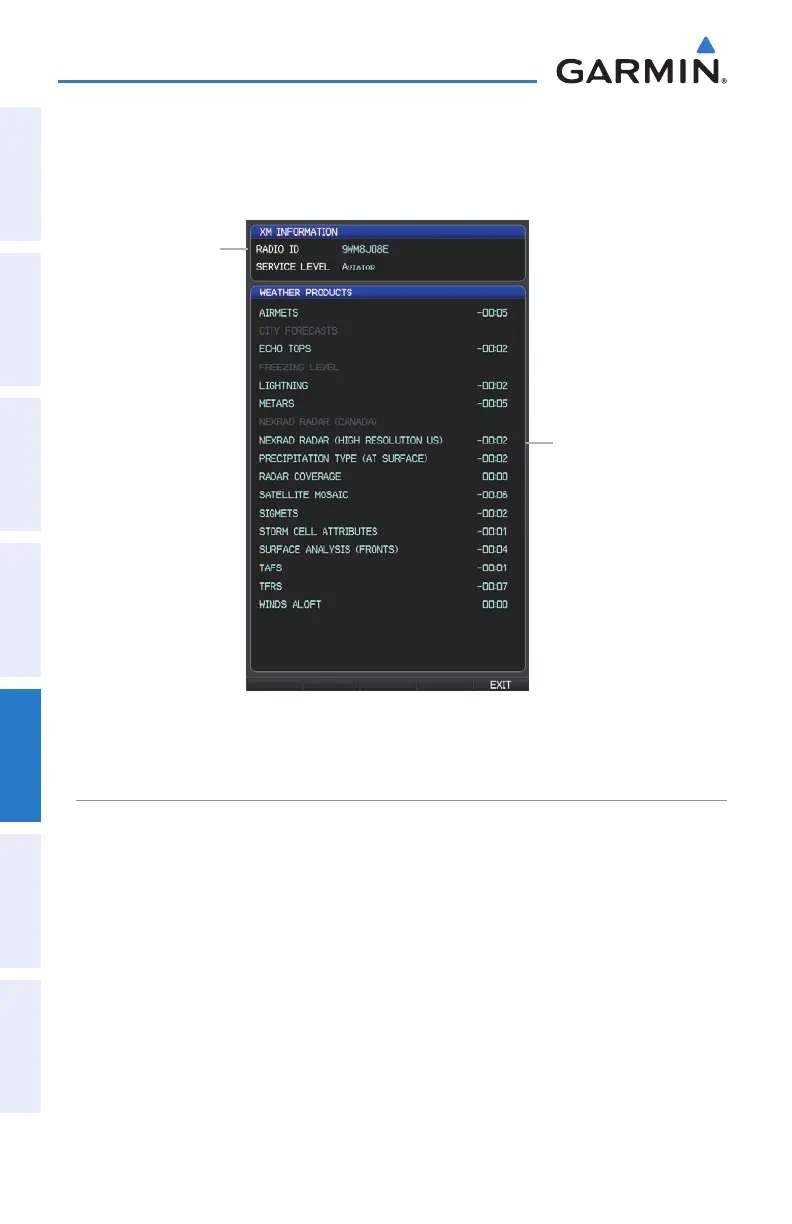
From the WX Page press the MENU Key to display the WX Page Menu.
2)
Turn or move the FMS Joystick to highlight ‘Weather Products’ and press
the ENT Key.
XM Information Page
Radio ID
Weather
Products
Window
USING XM RADIO
The XM Audio Page provides information and control of the audio entertainment
features of the XM Satellite Radio.
Selecting the XM Audio Page:
1)
Press the FMS Joystick to interact with the page navigation bar.
2)
Turn FMS Joystick to select the XM Audio Page.















 To Next Page