Garmin GPSMAP 695/696 Owner’s Manual
190-00919-00 Rev. D
75
Flight Planning
Overview GPS Navigation Flight Planning Hazard Avoidance Additional Features Appendices Index
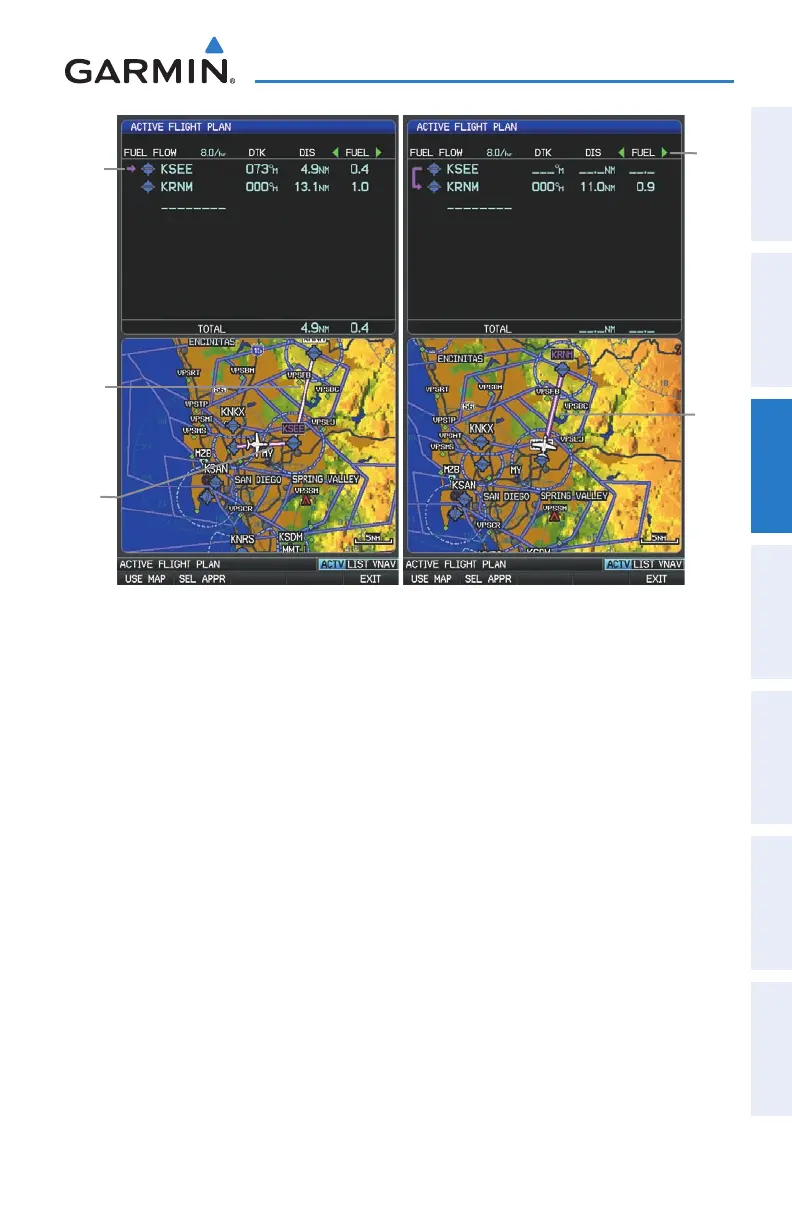
Active
Leg
Active Flight Plan Page
Non-
Active
Leg
Active
Leg
Active
Leg
Data
Fields
Creating an active flight plan:
1)
Press the FPL Key.
2)
Press the FMS Joystick to activate the cursor.
3)
Turn the FMS Joystick to display the Insert Waypoint Window. (Turning
it clockwise displays a blank Insert Waypoint Window, turning it counter-
clockwise displays a list of recent waypoints (RECENT WPTS), nearest
airports (NRST APTS), or flight plan waypoints (FPL WPTS)















 To Next Page