Garmin GPSMAP 695/696 Owner’s Manual
190-00919-00 Rev. D
69
GPS Navigation
Overview GPS Navigation Flight Planning Hazard Avoidance Additional Features Appendices Index
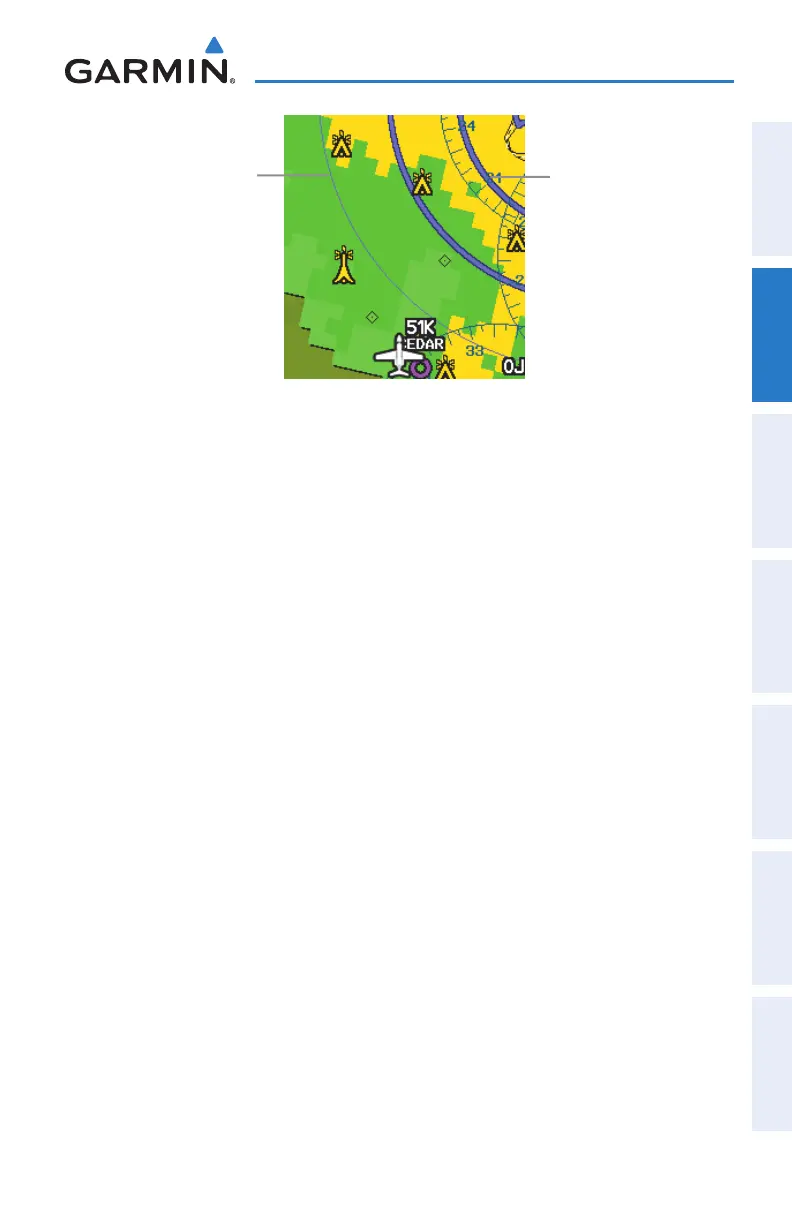
Smart Airspace
De-emphasized
Airspace
Bold Airspace
2.7 DIRECT-TO NAVIGATION
TheDirect-tomethodofnavigation,initiatedbypressingtheDirecttoKeyisquicker
to use than a flight plan when the desire is to navigate to a single point such as a
nearby airport.
Once a direct-to is activated, the GPSMAP 695/696 establishes a point-to-point
course line from the present position to the selected direct-to destination. Course
guidance is provided until the direct-to is replaced with a new direct-to or flight plan,
or cancelled.
Entering a waypoint identifier, facility name, or city as a direct-to
destination:
1)
Press Direct-to Key. The Direct-to Window is displayed (with the active
flight plan waypoint as the default selection or a blank waypoint field if no
flight plan is active).
2)
Turn the FMS Joystick clockwise to begin entering a waypoint identifier
(turning it counter-clockwise brings up the waypoint selection submenu -
press the CLR Key to remove it), press the RECENT Softkey to display a list
of recent waypoints, or move the FMS Joystick to select the facility name,
or city field.
3)
Press the ENT Key.
4)
With ‘Activate’ highlighted, press the ENT Key.















 To Next Page