Garmin GPSMAP 695/696 Owner’s Manual
190-00919-00 Rev. D
39
GPS Navigation
Overview GPS Navigation Flight Planning Hazard Avoidance Additional Features Appendices Index
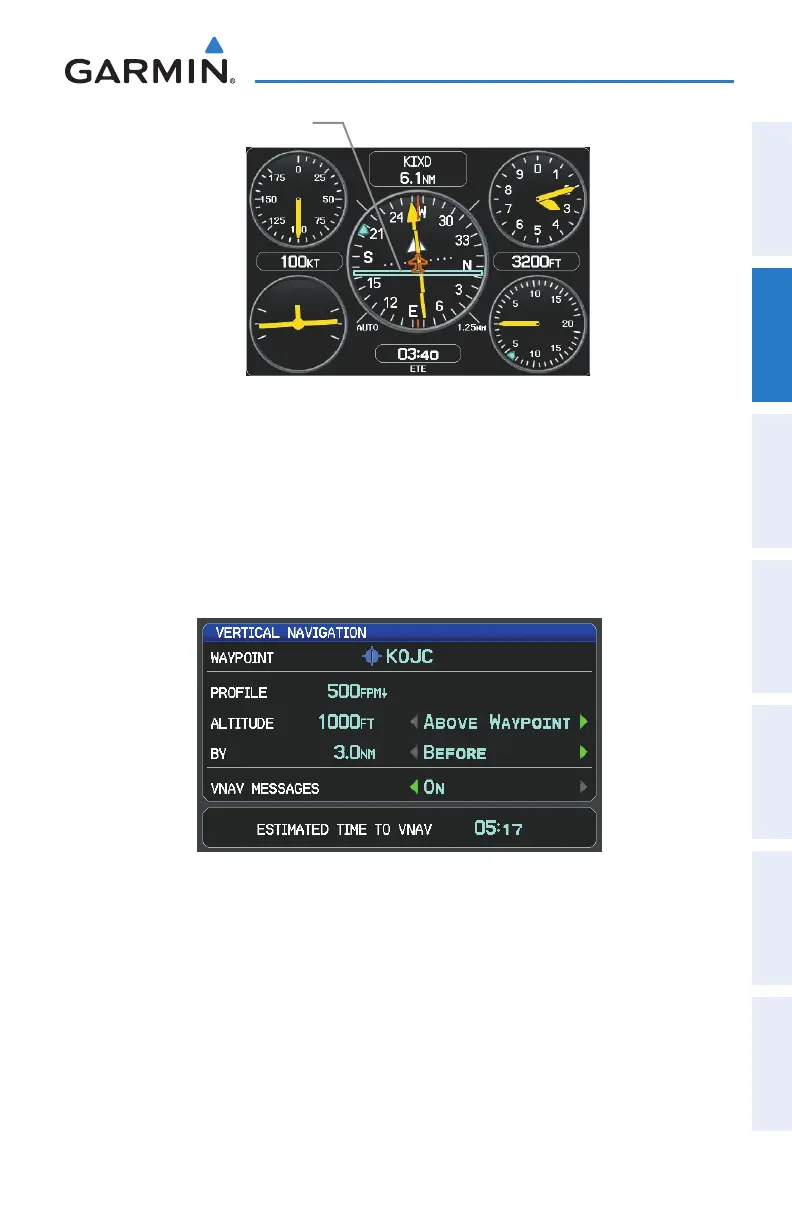
VNAV Indicator (Panel)
VNAV Indicator
Configuring a VNAV profile:
1)
Press the FPL Key.
2)
Turn the FMS Joystick to select the Vertical Navigation Page.
3)
Press the FMS Joystick to activate the cursor.
4)
Enter the desired profile into the fields, and press the EXIT Softkey.
Vertical Navigation Page
•
Waypoint—Enteranywaypointalongthecurrentlyactiverouteasthe
reference waypoint. The reference waypoint defines the target location.
•
Prole—Enterthedescentrate.
•
Altitude—Enterthedesiredreferencewaypointaltitude.Select‘Above
Waypoint’ to use field elevation for airports in the Jeppesen database or ‘MSL’
to specify an exact MSL altitude target.















 To Next Page