190-02692-00 Rev. A
Garmin G1000 Pilot’s Guide for the Piper PA-32 Saratoga
95
ENGINE INDICATION SYSTEM
SYSTEM
OVERVIEW
FLIGHT
INSTRUMENTS
EIS
AUDIO PANEL
& CNS
FLIGHT
MANAGEMENT
HAZARD
AVOIDANCE
AFCS
ADDITIONAL
FEATURES
APPENDICES INDEX
3.3 EIS DISPLAY (REVERSIONARY MODE)
In the event of a PFD or MFD display failure, the display(s) operating in Reversionary Mode are configured to
present PFD symbology together with the EIS Display (refer to the System Overview for information about display
reversionary mode).
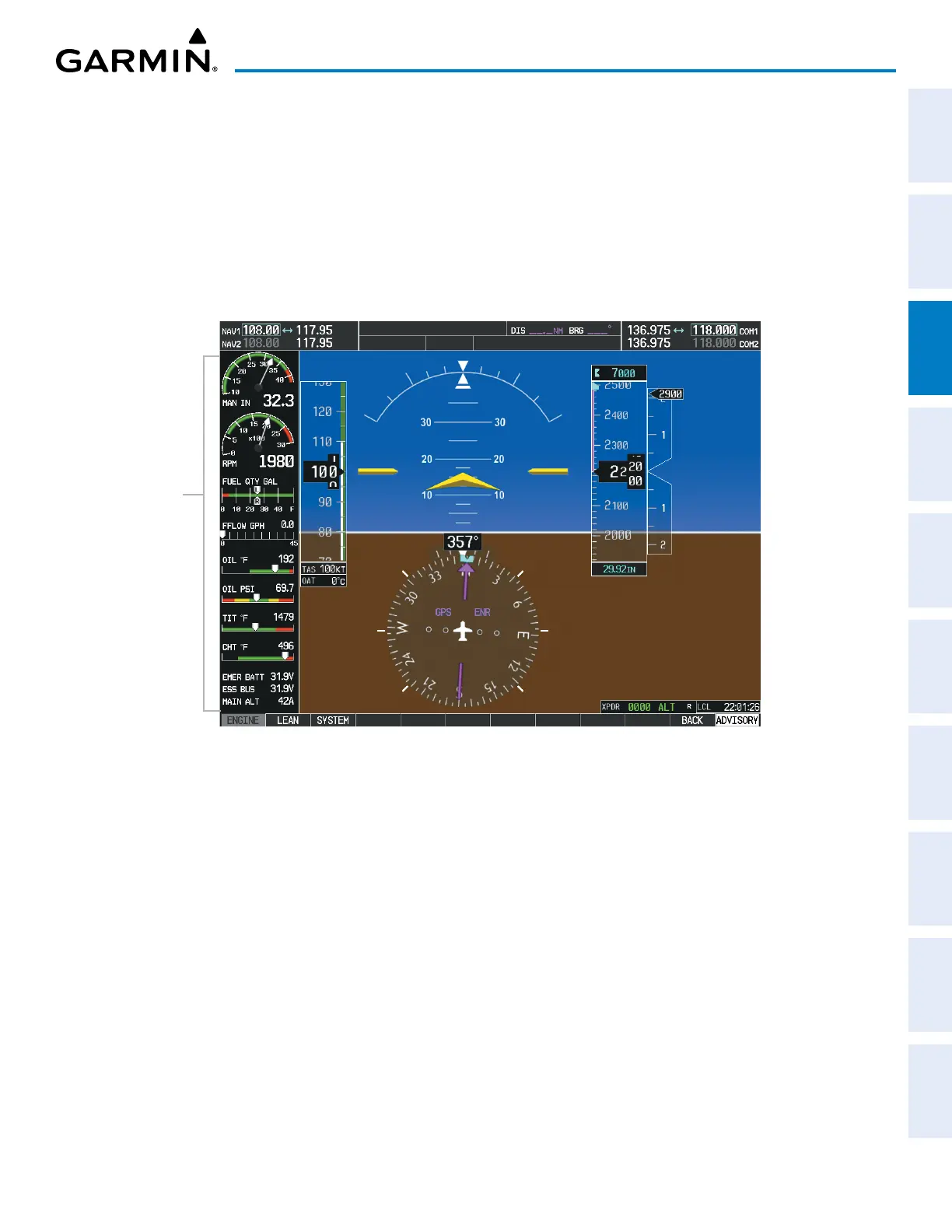
In reversionary mode, there are three EIS displays. The Engine Display, in reversionary mode, is identical to the
normal EIS Display on the MFD. The Lean Display presents temperature information and assistance for engine
leaning. The System Display shows the fuel calculations, cabin temperature, and electrical parameters. All three
displays feature the Engine Manifold Pressure, Tachometer, Fuel Quantity, and Fuel Flow Indications.
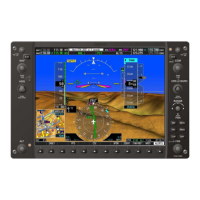
Figure 3-5 Reversionary Mode (EIS Shown)
EIS
Display
The Lean and System displays can be accessed while in reversionary mode by pressing the ENGINE Softkey,
followed by the LEAN or SYSTEM Softkey. The Engine Display is shown by default and does not require a
softkey press to be displayed unless another display is currently shown. To return to the Engine Display from the
Lean or System Display, press the ENGINE or BACK Softkey.


 To Next Page