190-02692-00 Rev. AGarmin G1000 Pilot’s Guide for the Piper PA-32 Saratoga116
AUDIO PANEL AND CNS
SYSTEM
OVERVIEW
FLIGHT
INSTRUMENTS
EIS
AUDIO PANEL
& CNS
FLIGHT
MANAGEMENT
HAZARD
AVOIDANCE
AFCS
ADDITIONAL
FEATURES
APPENDICESINDEX
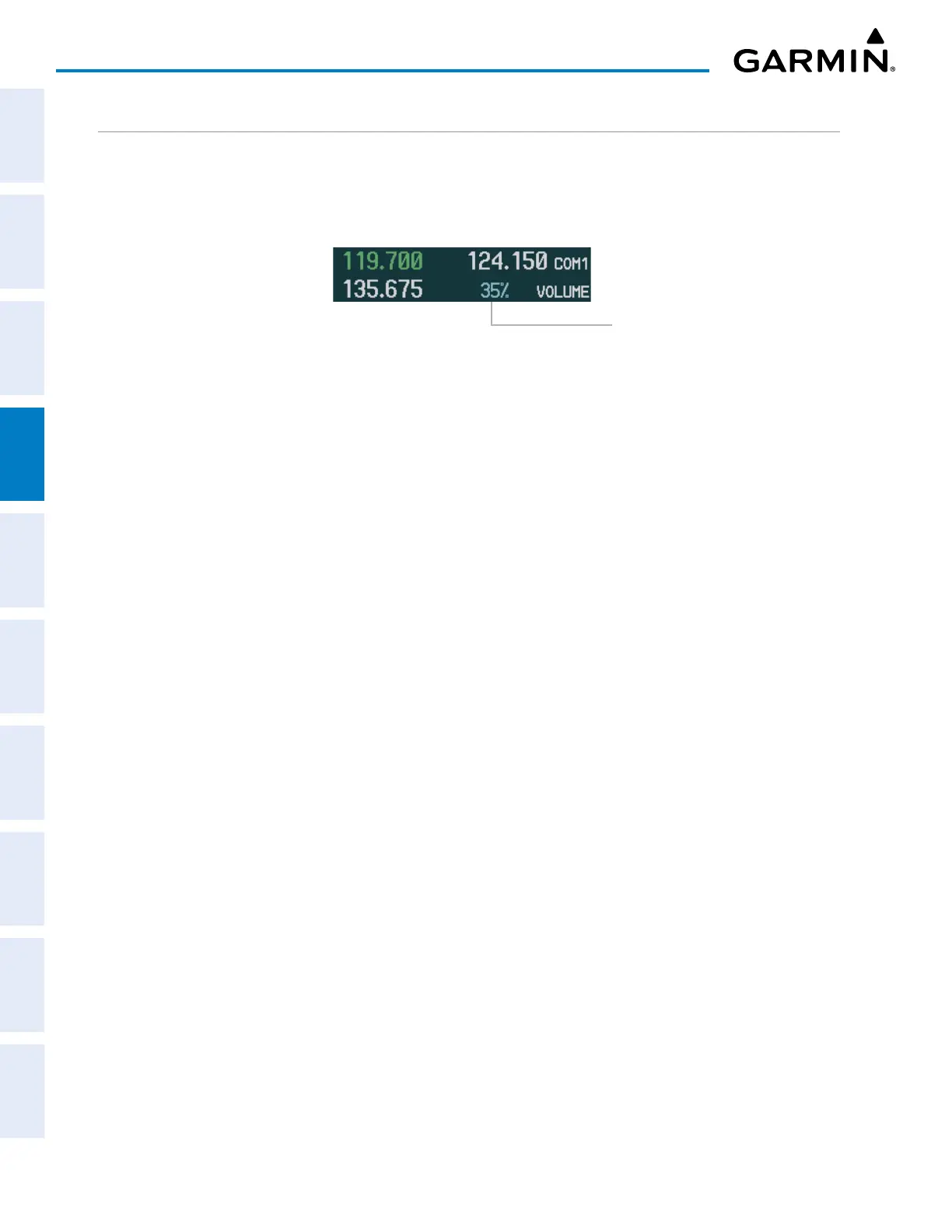
VOLUME
COM radio volume level can be adjusted from 0 to 100% using the
VOL/SQ
Knob. Turning the knob
clockwise increases volume, turning the knob counterclockwise decreases volume. When adjusting volume,
the level is displayed in place of the standby frequencies. Volume level indication remains for two seconds after
the change.
Volume level remains
for two seconds
Figure 4-16 COM Volume Level


 To Next Page