190-02692-00 Rev. A
Garmin G100 Pilot’s Guide for the Piper PA-32 Saratoga 51
FLIGHT INSTRUMENTS
SYSTEM
OVERVIEW
FLIGHT
INSTRUMENTS
EIS
AUDIO PANEL
& CNS
FLIGHT
MANAGEMENT
HAZARD
AVOIDANCE
AFCS
ADDITIONAL
FEATURES
APPENDICES INDEX
WARNING: Do not use a QFE altimeter setting with this system. System functions will not operate properly
with a QFE altimeter setting. Use only a QNH altimeter setting for height above mean sea level, or the
standard pressure setting, as applicable.
Selecting the altimeter barometric pressure setting:
Turn the BARO Knob to select the desired setting.
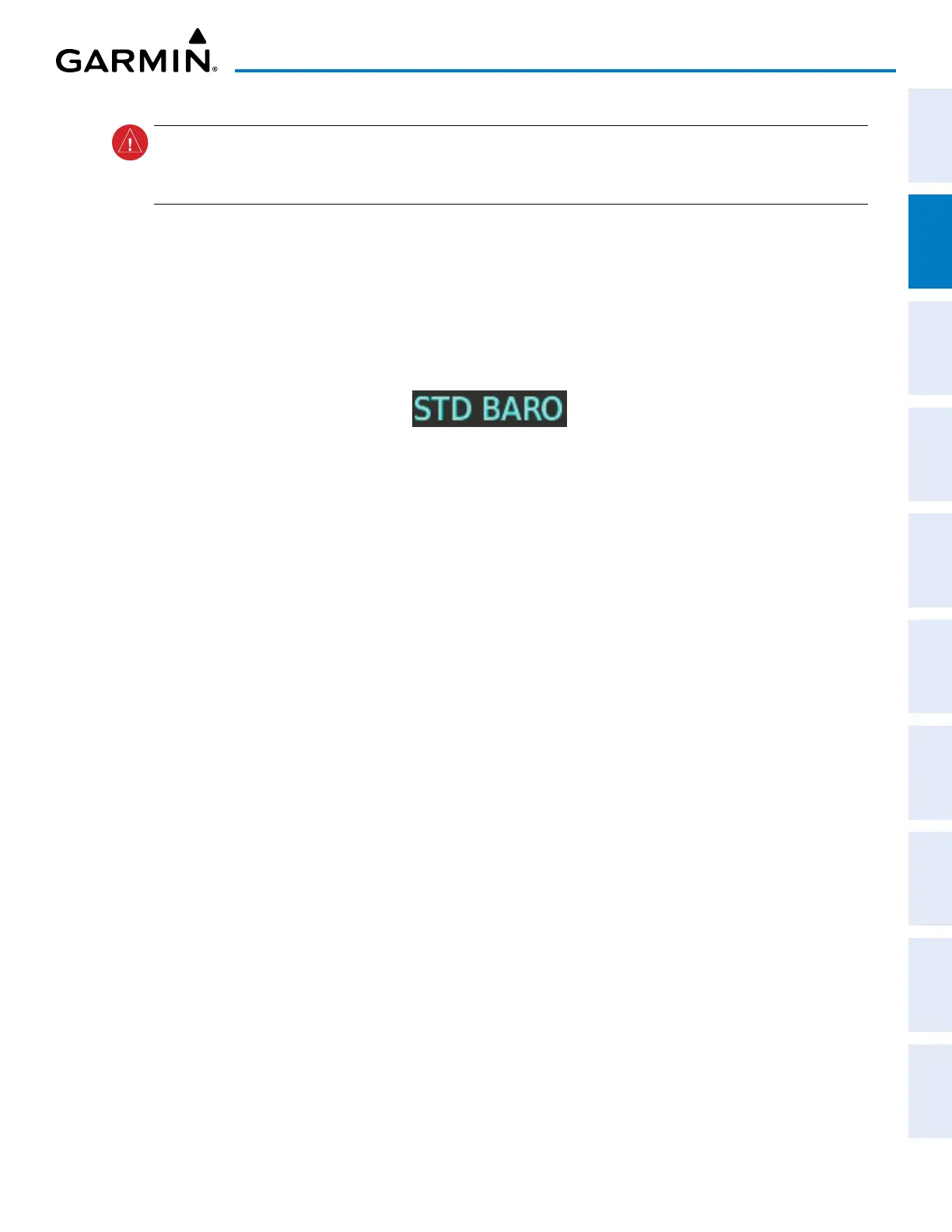
Selecting standard barometric pressure (29.92 in Hg):
1) Press the PFD Softkey to display the second-level softkeys.
2) Press the STD BARO Softkey.
Figure 2-8 Standard Barometric Setting
Changing altimeter barometric pressure setting units:
1) Press the PFD Softkey to display the second-level softkeys.
2) Press the ALT UNIT Softkey.
3) Press the IN Softkey to display the barometric pressure setting in inches of mercury (in Hg), or press the HPA
Softkey to display the barometric pressure setting in hectopascals (hPa).
4) Press the
BACK
Softkey twice to return to the top-level softkeys.
The Barometric Transition Alert flashes the altimeter setting. This alert occurs when the aircraft is within
200 feet of the barometric transition altitude and the altimeter setting has not been changed to/from standard,
as applicable. The flashing alert stops when the pilot changes the altimeter setting.
Setting the Baro Transition Alert:
1) Use the FMS Knob to select the AUX – SYSTEM SETUP Page on the MFD.
2) Push the FMS Knob to activate the cursor.
3) Turn the large FMS Knob to highlight the ‘ON’ or ‘OFF’ selection in the BARO TRANSITION ALERT Box.
4) If needed, turn the small FMS Knob to select ‘ON’ or ‘OFF’ to enable/disable the Baro Transition Alert.
5) Turn the large FMS Knob to highlight the ALTITUDE Field in the BARO TRANSITION ALERT Box.
6) Use the FMS Knobs to change the altitude and press the ENT Key.
7) To cancel the selection, push the FMS Knob.


 To Next Page