AT Pro International™
11
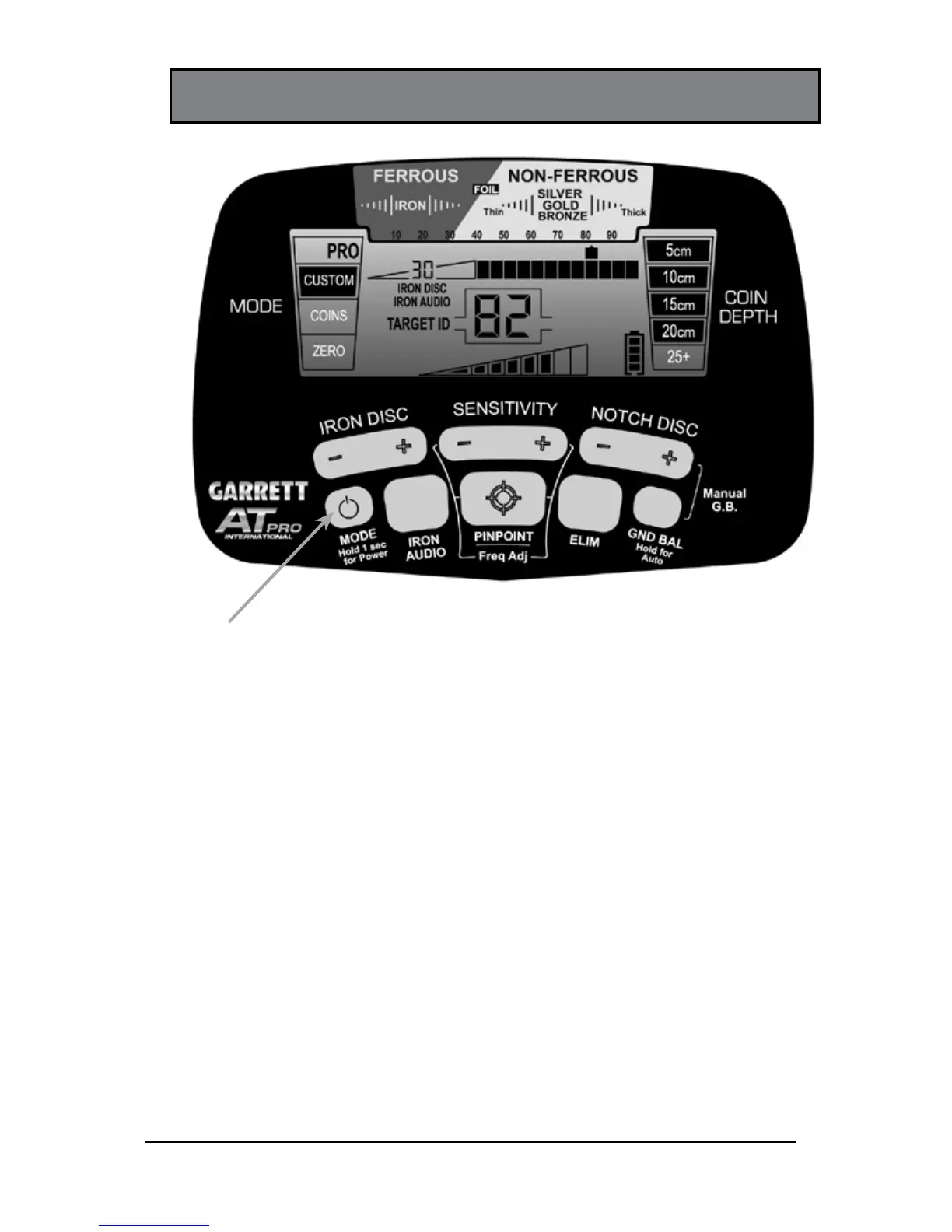
POWERING ON
Switch the detector on with the power button.
Press and release to switch the unit ON and resume hunting
with the same settings used prior to switching the unit OFF.
To turn off the detector, press and hold this pushbutton for
one (1) second (until the detector produces a second beep).
To restore the factory settings, press and hold the power
button for 5 to 10 seconds (until the detector produces a fast
double beep).
ON/OFF Power
and MODE
Pushbutton















 To Next Page