9ENG8008 GFM436 User Manual
GFM436 Product Specification- 23
•
•
•
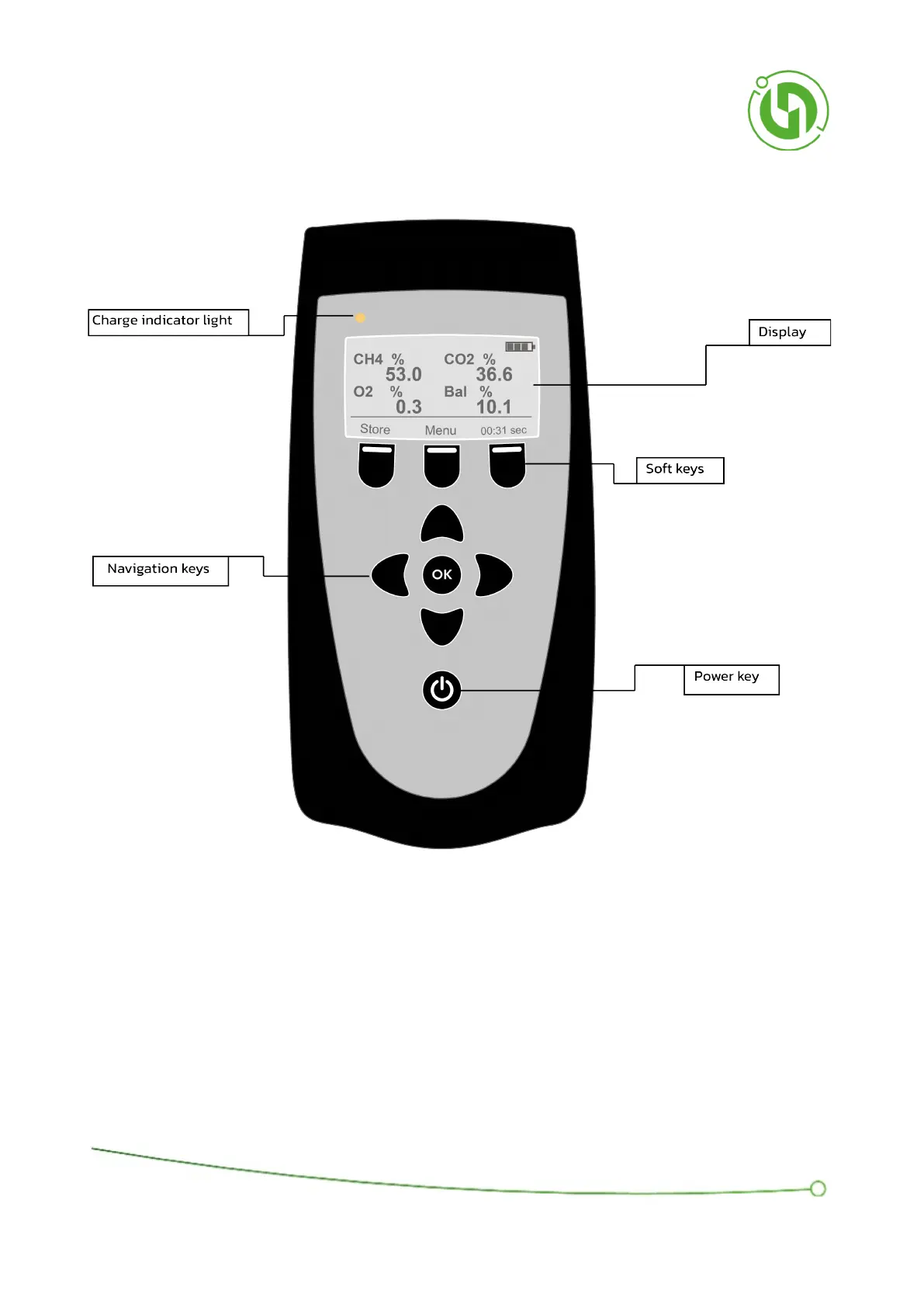
6.6 Front Panel Control Layout
Charge indicator light can be in one of three states:
Solid red – in fast-charge mode (800mA).
Solid green – terminated fast-charge mode.
Alternating red & green – In an indeterminable state not suitable for charging (This is usually due to
temperature issue. It is advised to move instrument to well-aired area at room temperature, so that the
instrument temperature can stabilise).



 To Next Page