9ENG8008 GFM436 User Manual
•
•
•
•
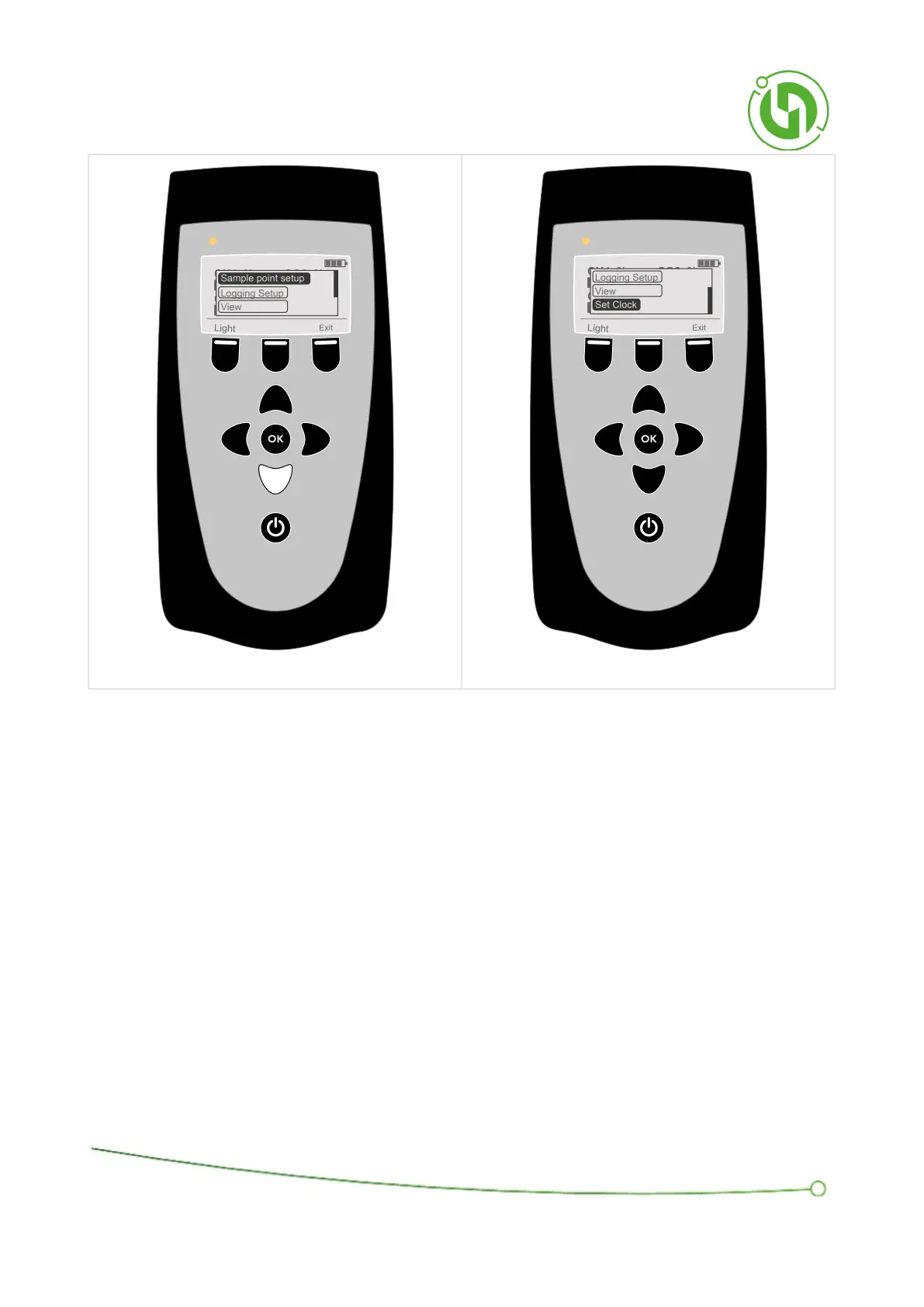
The menu has the following functions:
Sample Point Setup - Setting up sample points for storing readings through creating an ID structure. Specific
instructions for this can be found in the chapter on Sample Point Set Up.
Logging Setup - Setting up a logging sequence for automatic sampling over a specified amount of time.
Specific instructions on this can be found in the chapter on Logging Set Up.
View - View readings stored on the instrument. Specific instruction can be found below in the chapter on
View Reading Display.
Set Clock - Change the time and date on the instrument. Specific instruction can be found below in the
chapter on Clock Display.
7.4 View Readings
The View Readings Display is a display for viewing and deleting previously stored readings.
Navigate through the IDs created by selecting the ID row with the ok and then navigating to the required ID using
the arrow keys.



 To Next Page