9ENG8008 GFM436 User Manual
7 GFM436 Operation
7.1 Starting Up
Press the Power Key to turn the instrument on. When turned on the instrument will take a few seconds to boot up.
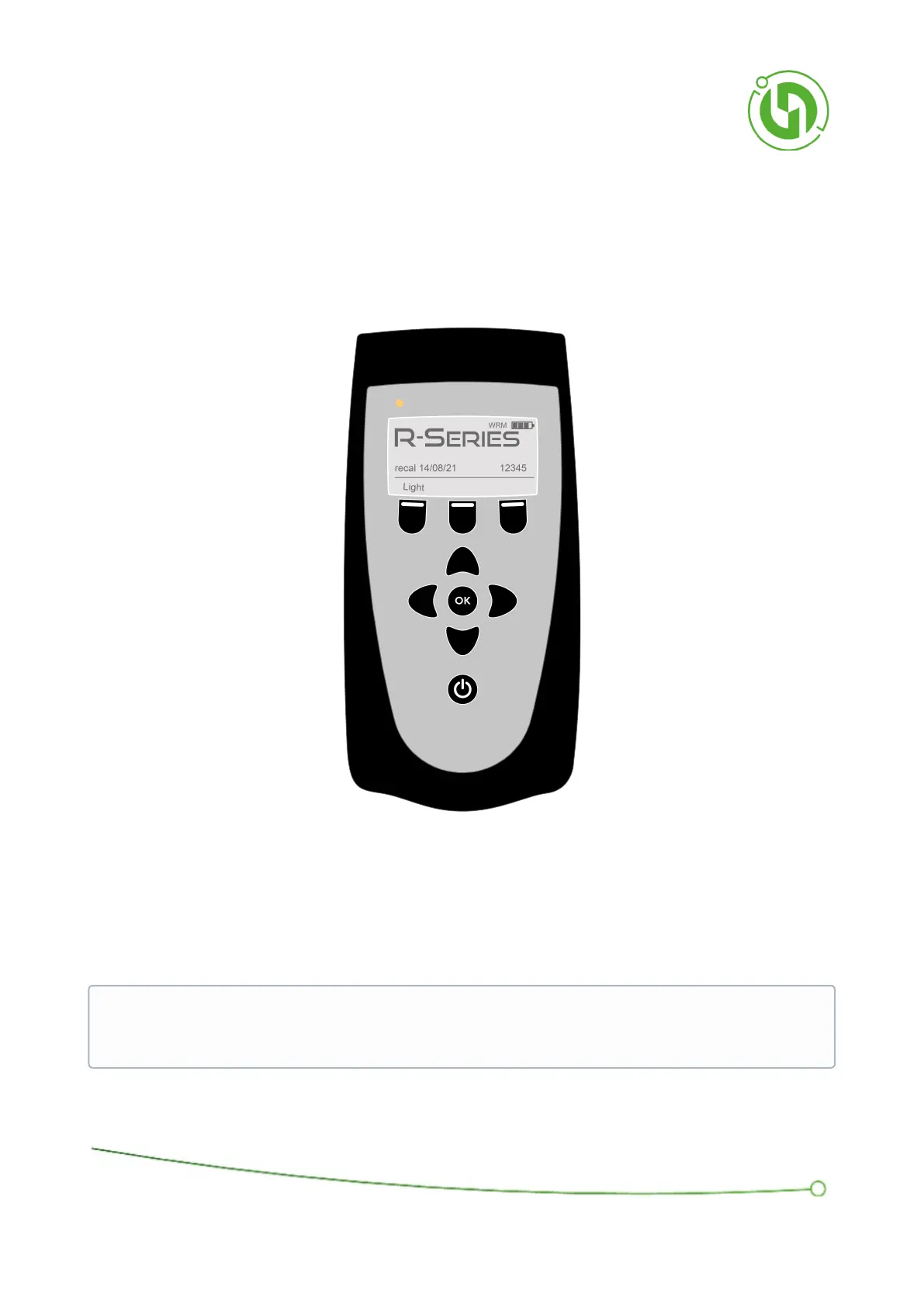
During this time a ‘loading’ banner will be displayed. After a few seconds, the instrument will show the display
below:
After booting up the instrument commences a warm-up period. This is to allow all the sensors to initialise. During
this period the letters ‘WRM’ appear in the top right-hand corner of the display as shown. Please wait until WRM
disappears before proceeding.
The screen shows the instrument type, its recalibration date, the battery level, and the serial number. If you ever
need to contact the manufacturer for assistance with your instrument, please quote the serial number.
IMPORTANT: If the instrument has been stored in a cool place, or hasn’t ran a sample for at least a week,
then allow the pump to run for at least 10 minutes before trying to take a sample. It is advised to still be
wary of readings until the instrument is in a routine of being turned on and ran regularly.



 To Next Page