9ENG8008 GFM436 User Manual
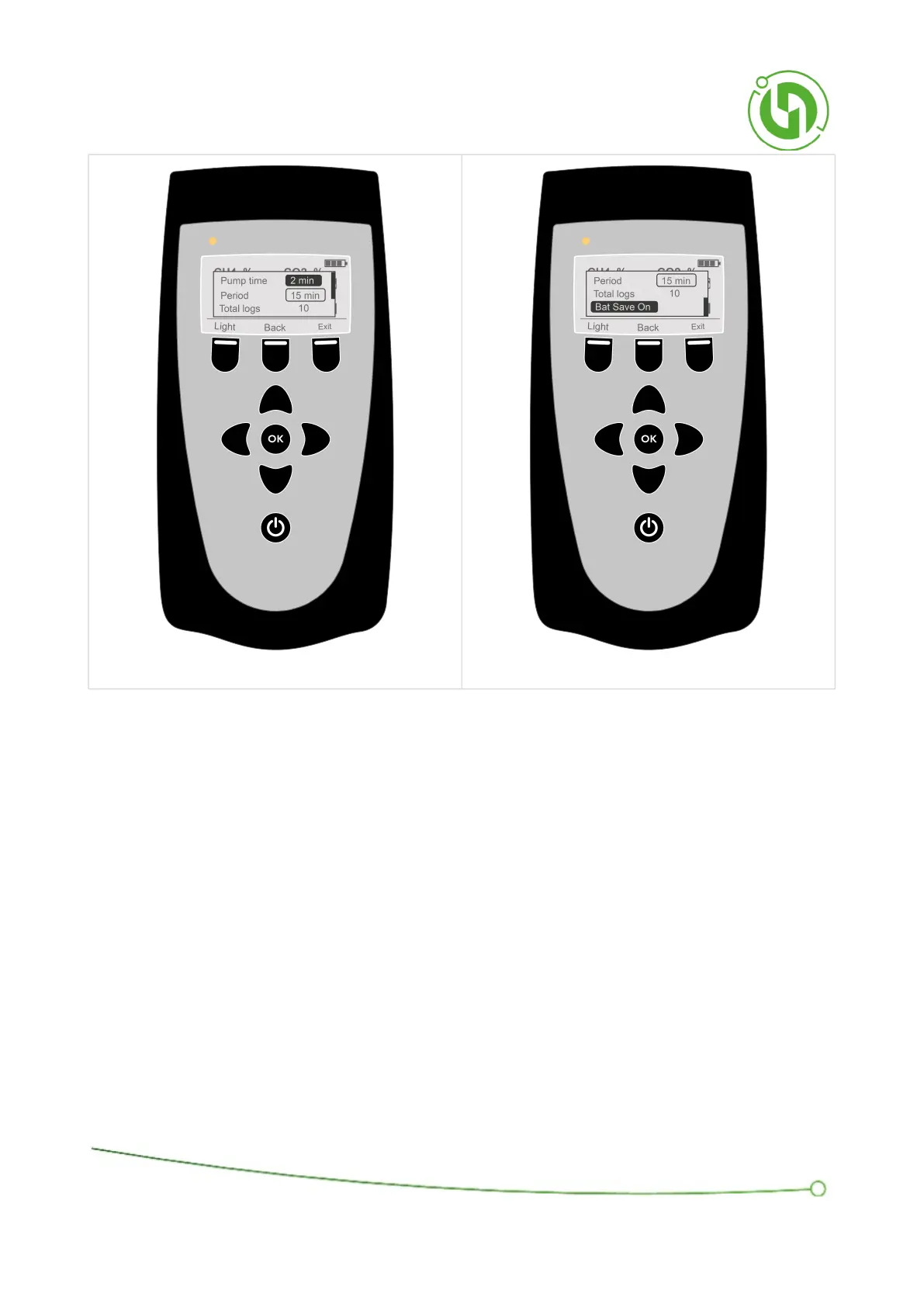
12.4.1 Pump Time
This parameter determines the length of time the pump will run for a while before the gas analysis values are
captured, also known as sample time. This is a pre-set list of values to select from - 90 seconds, 2 minutes, 3
minutes, or 4 minutes.
Pressing ‘OK’ will scroll through these options. When you have selected the required value, use the ‘Up/Down’
arrows to move to the next parameter.
A selection of 3 minutes, for example, will allow the pump will run for 3 minutes and then the instrument will store
the analysis values it measured at the end of the 3 minute period.
12.4.2 Period
This parameter determines the time between samples. This is a pre-set list of values to select from – 10 minutes, 15
minutes, 20 minutes, 30 minutes, 1hr, 2hrs, 3hrs, 6hrs, 12hrs and 1 day.



 To Next Page