9ENG8008 GFM436 User Manual
•
•
•
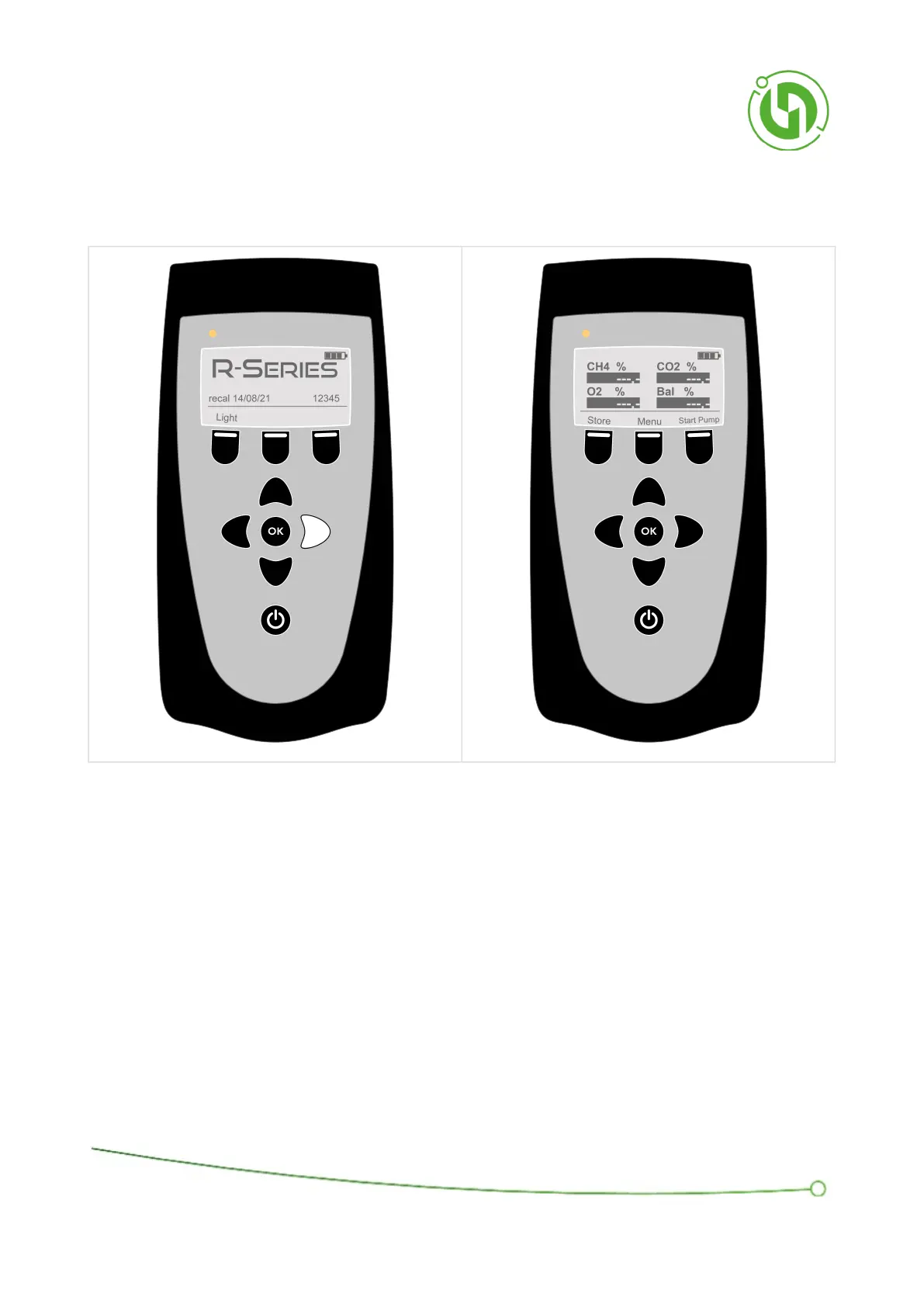
7.2 Navigating the screens
Use the left or right navigation keys to move to the operation screens.
Each operation screen, Gas, Pressure, Valve comment and Velocity & Temperature, has the following functions:
Run the pump/sample
Store readings
Viewing more options in the menu
Four readings are shown on screen at a time. Pressing the Up and Down Navigation Keys will scroll up and down
to view the other values.



 To Next Page