9ENG8008 GFM436 User Manual
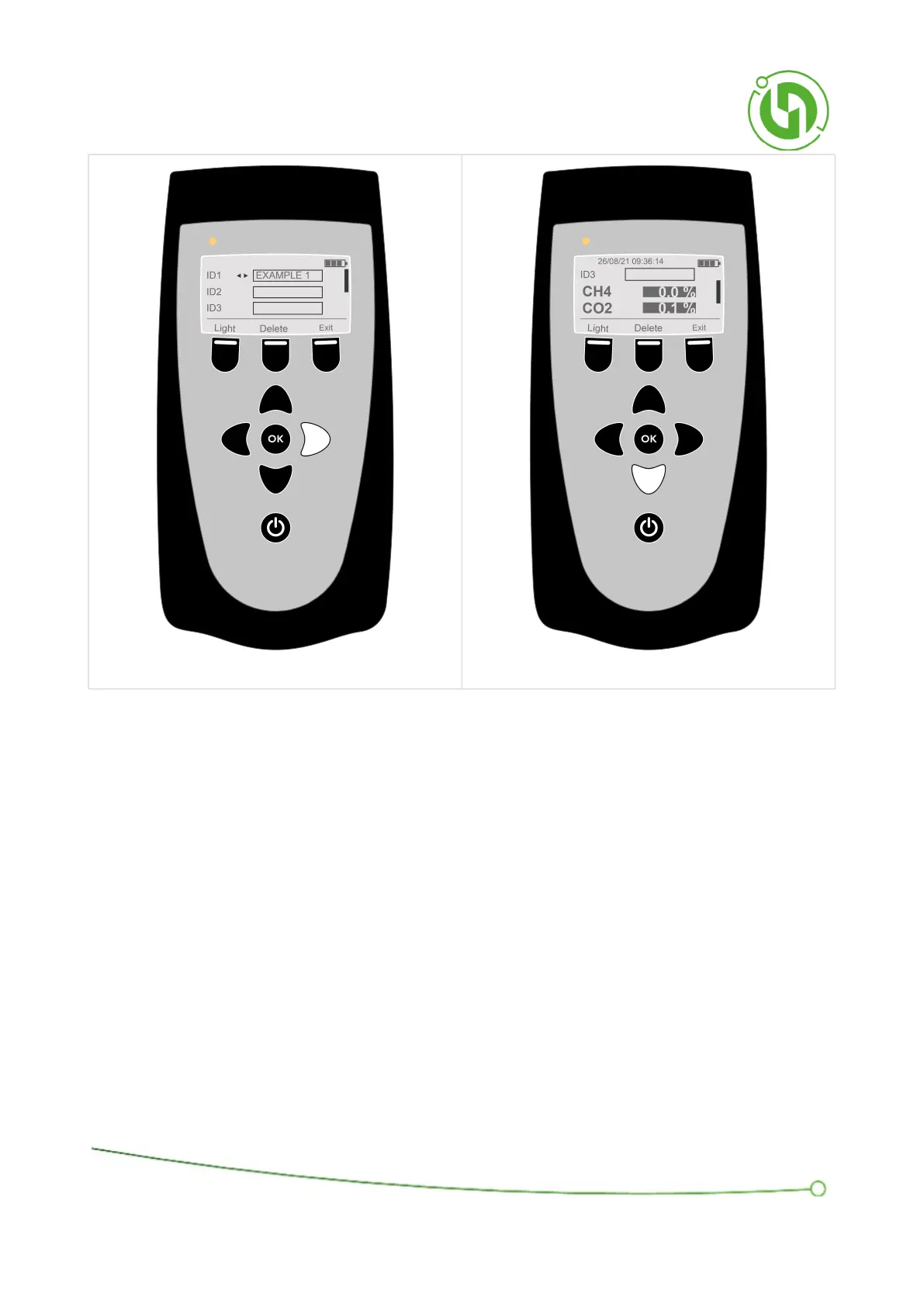
Once the required ID has been selected, scroll down to view the readings.
Readings can be deleted by pressing the middle soft key.
7.5 Clock Display
All stored readings are stamped with the date and time. To change the date or time of the instrument, navigate to
the Menu and scroll down to “Set clock” and select OK.



 To Next Page