9ENG8008 GFM436 User Manual
Use the up and down navigation keys to scroll up and down on the display pages.
The next sections will describe each operation that can be carried out on the instrument. For information on storing
the data please the chapter on Storing Data.
7.3 Reading the Displays
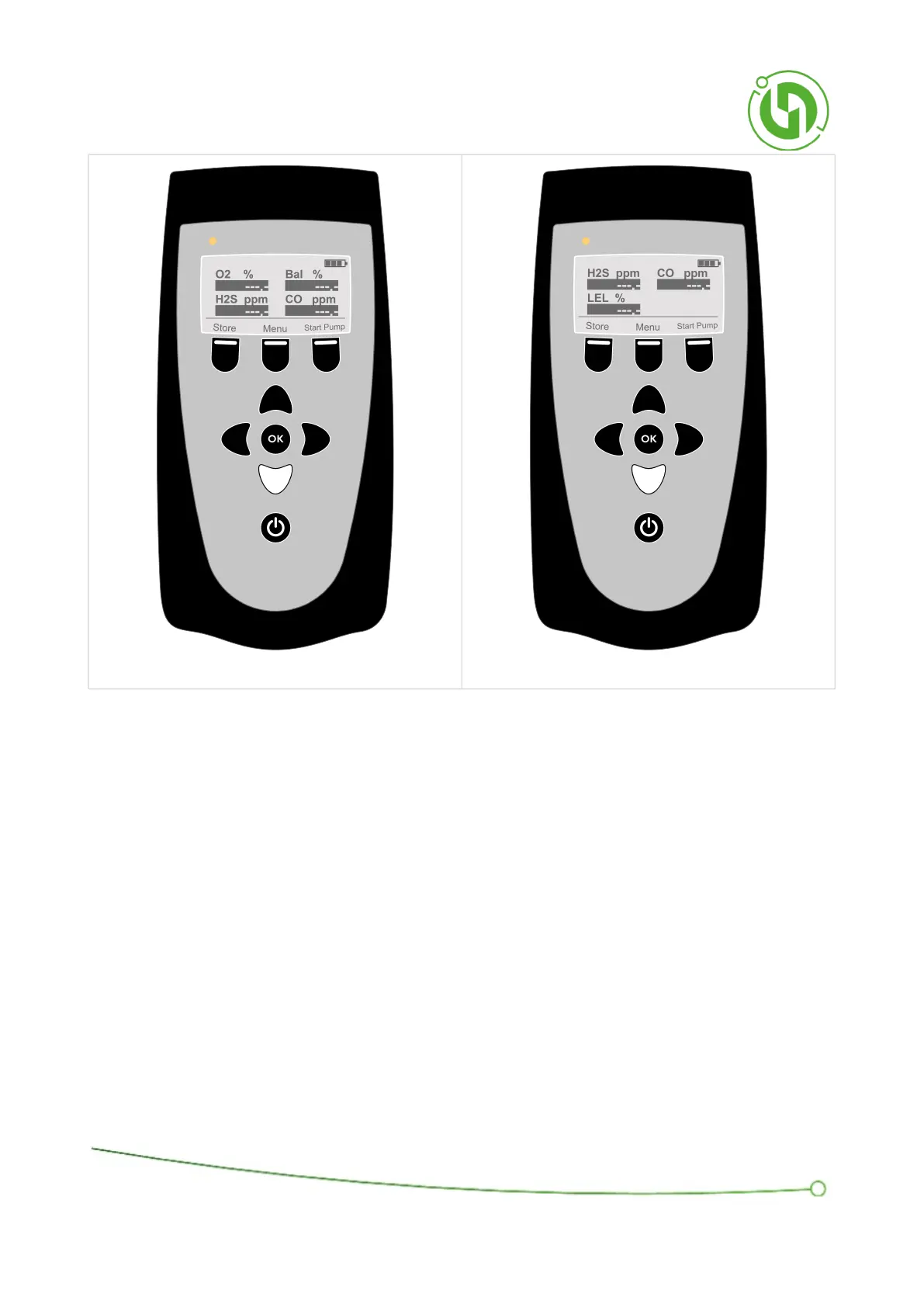
Before a sample is first taken, after powering up the instrument, the readings are dashed and blacked out as shown
below. You can see this on Gas Concentration Readings display, Gas Pressure Readings Display, Valve
Comment Input Display and Gas Velocity and Temperature Readings Display by pressing the Right arrow Key.



 To Next Page