9ENG8008 GFM436 User Manual
Pressing OK when this parameter is highlighted will toggle this setting.
When all the parameters have been selected, press ‘Exit’ to return to the Gas Display screen, and the logging
sequence will be saved.
12.5 Logging Display
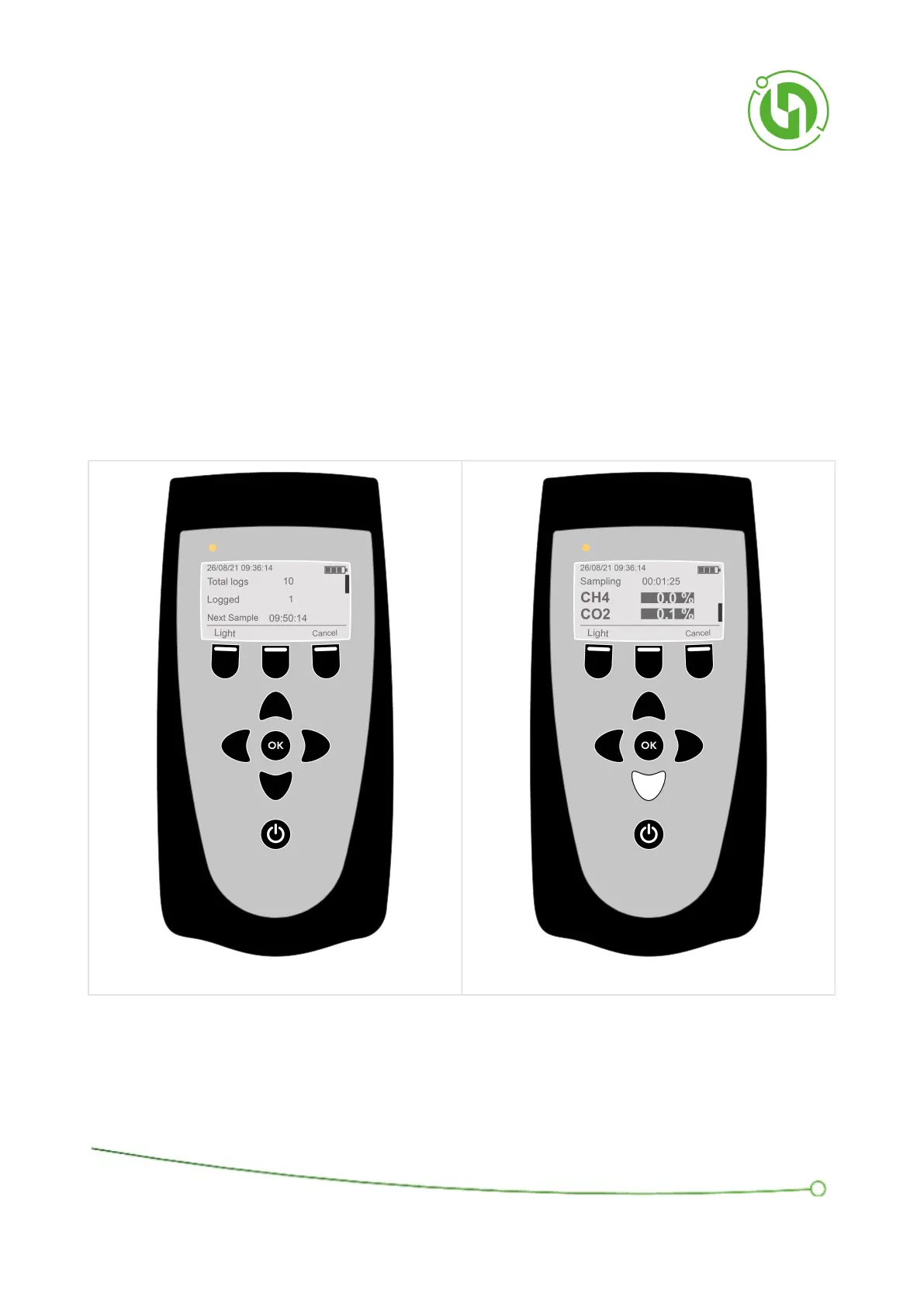
The Logging Display shows the total number of samples to be taken in the log, ‘Total Logs’, and the number of
samples which have been logged, ‘Logged’.
When the pump is running and it is sampling a countdown timer and ‘Sampling’ will be shown, when this reaches 0
the measurements will be stored, and a popup will appear saying ‘Reading stored’ and the number of free readings
available (i.e. the amount of store space remaining) if the store was successful.
When it is not sampling, ‘Next Sample’ and the time until the next sample will be shown unless the log has finished.
Saved readings can be read by scrolling down with the down arrow. As the instrument moves through the number



 To Next Page