9ENG8008 GFM436 User Manual
of total logs, readings will be saved against the time and date and under any ID number combinations selected at
the start.
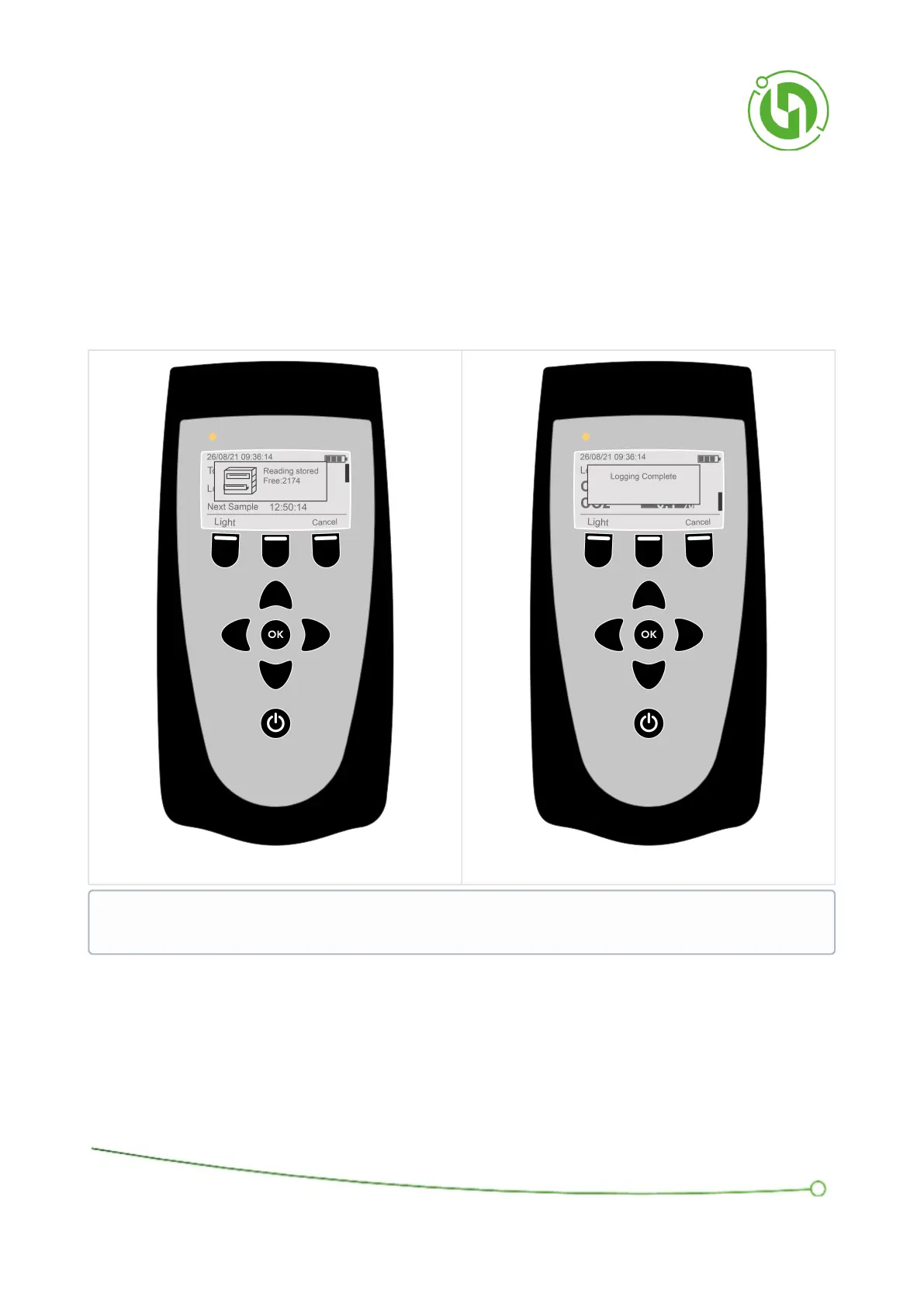
After each sample, a pop-up box will appear saying “Reading stored” and then an indication of the remaining
memory on the device.
After all the samples are complete (i.e. number of total logs has been reached), another pop-up box will show
saying “logging complete”.
If the battery save function is on the length of time the instrument can be left to perform unattended data logging is
increased as the instrument will shut down between samples.
NOTE: These Soft Keys are hidden while popups are being shown and pressing a Soft Key while a popup is
active will close it.



 To Next Page