9ENG8008 GFM436 User Manual
Press the right soft key to stop sampling.
Connect the open end of the gas flow tube to the gas tap or sample point on the borehole.
Open the gas tap and press the Right Soft Key to begin sampling.
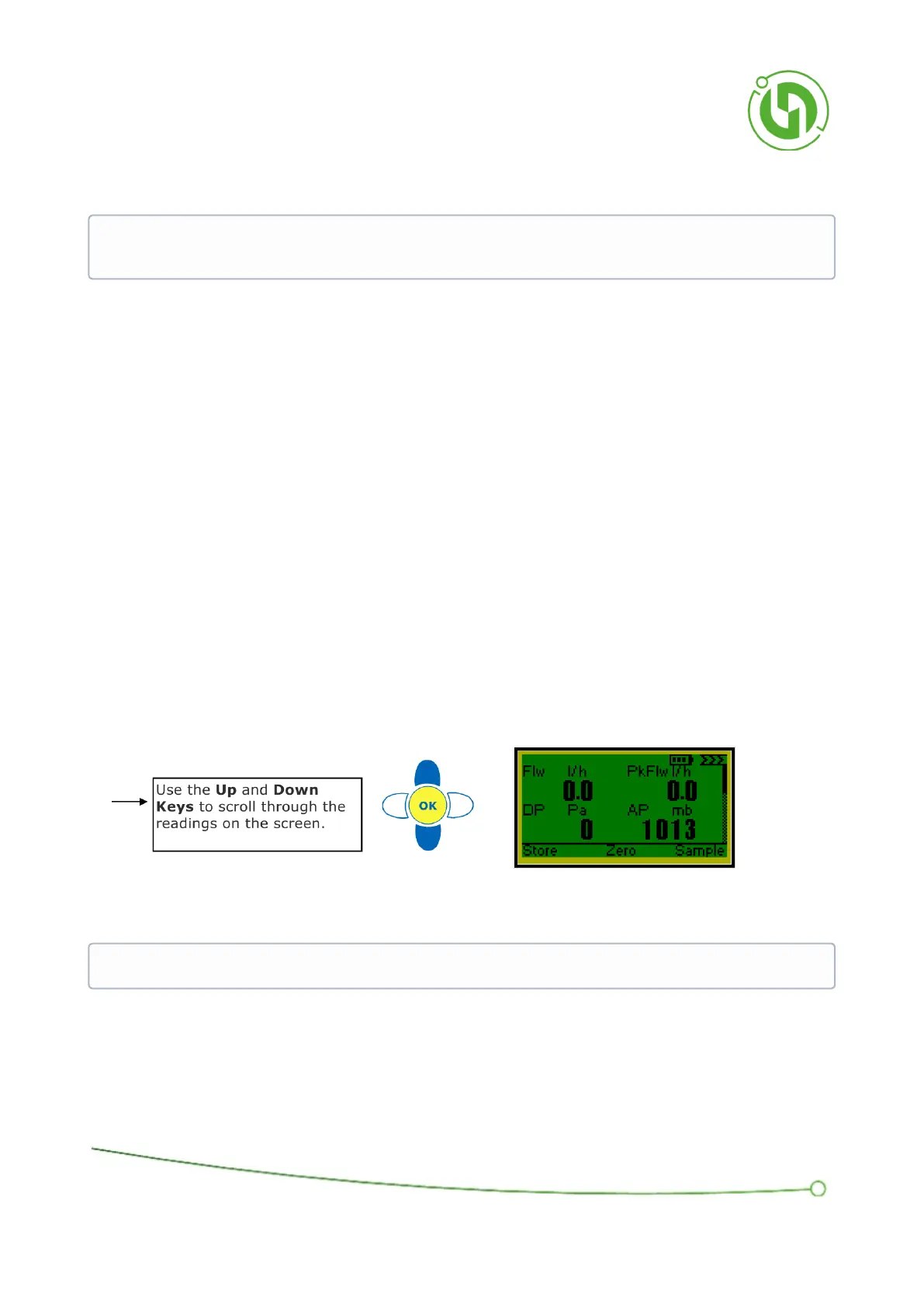
The Flow and Pressure display shows the Instantaneous Flow (Flw1), the Peak Flow (Flw2), DP and AP.
The Right Soft Key will toggle the sampling process on and off.
When the sample is active the screen will display live readings being taken from the gas.
When the sample is stopped the values are “frozen” at the last measured values.
When a sample is restarted the readings are unfrozen and the peak flow will be reset to the current instantaneous
flow.
If the instantaneous flow goes over range the peak flow will show over-range until it returns within range.
Pressing the Left Soft Key, labelled “Store”, or the OK Key will bring up the Store Menu Window.
When finished turn off the gas tap and remove the gas pipe.
IMPORTANT: It is important to complete the zeroing in an environment where there is no flow or pressure
and ensure that the end of the flow tube is not exposed to any external flows or pressures.
IMPORTANT: Take great care when connecting the pipe to the gas tap to avoid gas leakage



 To Next Page