9ENG8008 GFM436 User Manual
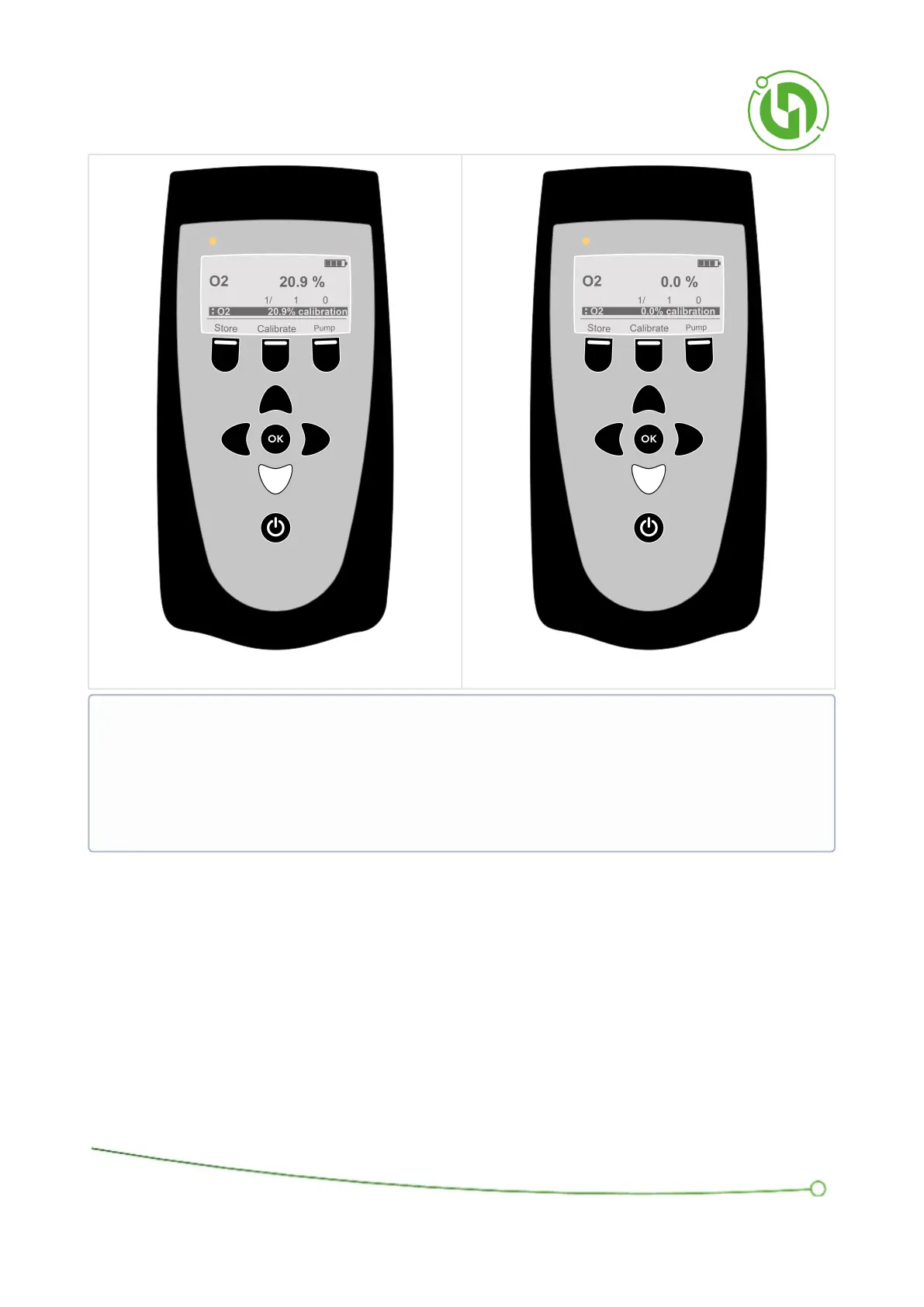
Scroll using the up and down arrows to find “GAS Reset factory delta”. Then select “Reset”. This will remove any
user calibration, and return the deltas to 1/1/0
Once calibration is complete, press the Left Soft Key, labelled ‘OK’, to return to the Banner Display.
NOTE: Only attempt to calibrate a point if the current gas reading is within +/- 5% of the indicated
calibration point. If the Middle Soft Key, labelled ‘Calibrate’, does not appear this means that it is currently
not possible to calibrate the desired point. Also, the valve must be open for the gas to flow and starting or
stopping the pump will also open and close the valve. If you are using a cylinder of calibration gas without
a demand flow regulator, then having the cylinder connected with the regulator open while the valve is
closed will cause a back pressure. Having the cylinder connected with the regulator closed or when the
cylinder is depleted while the valve is open and the pump is on, may damage the pump.



 To Next Page