169
Gateway 4-bay Small Form Factor case
www.gateway.com
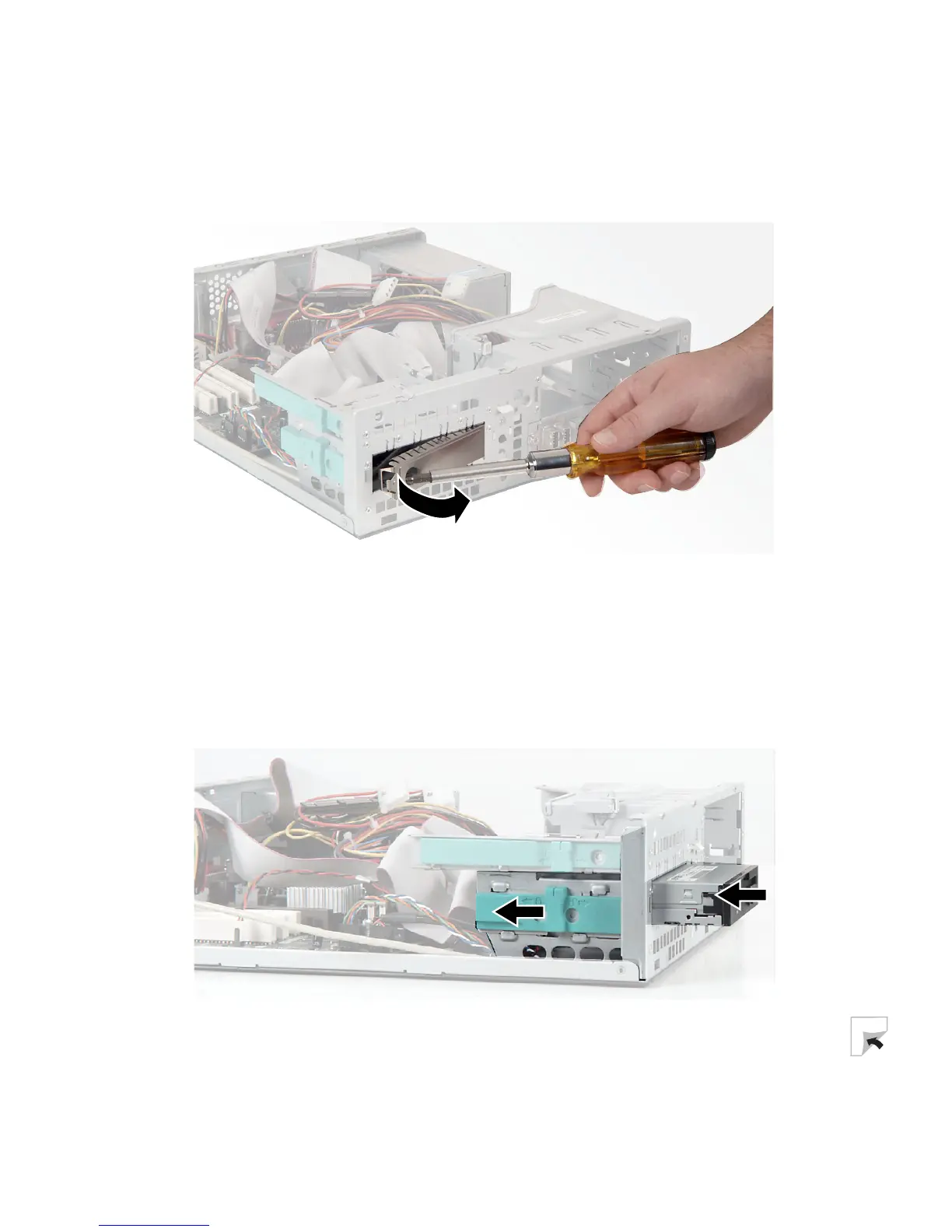
5 Using your finger or a screwdriver, remove the EMI shield that covers the
3.5-inch expansion bay. Store the shield in a safe place in case you have
to reinstall it.
6 Configure the new drive by setting any jumpers on the new drive. See the
drive documentation for further instructions.
7 Slide the release lever toward the front of the case.
8 Slide the new drive into the drive bay until it settles into the indentation,
then slide the release lever toward the back of the case.



 To Next Page