GA600AC Sliding Gate Opener User Manual
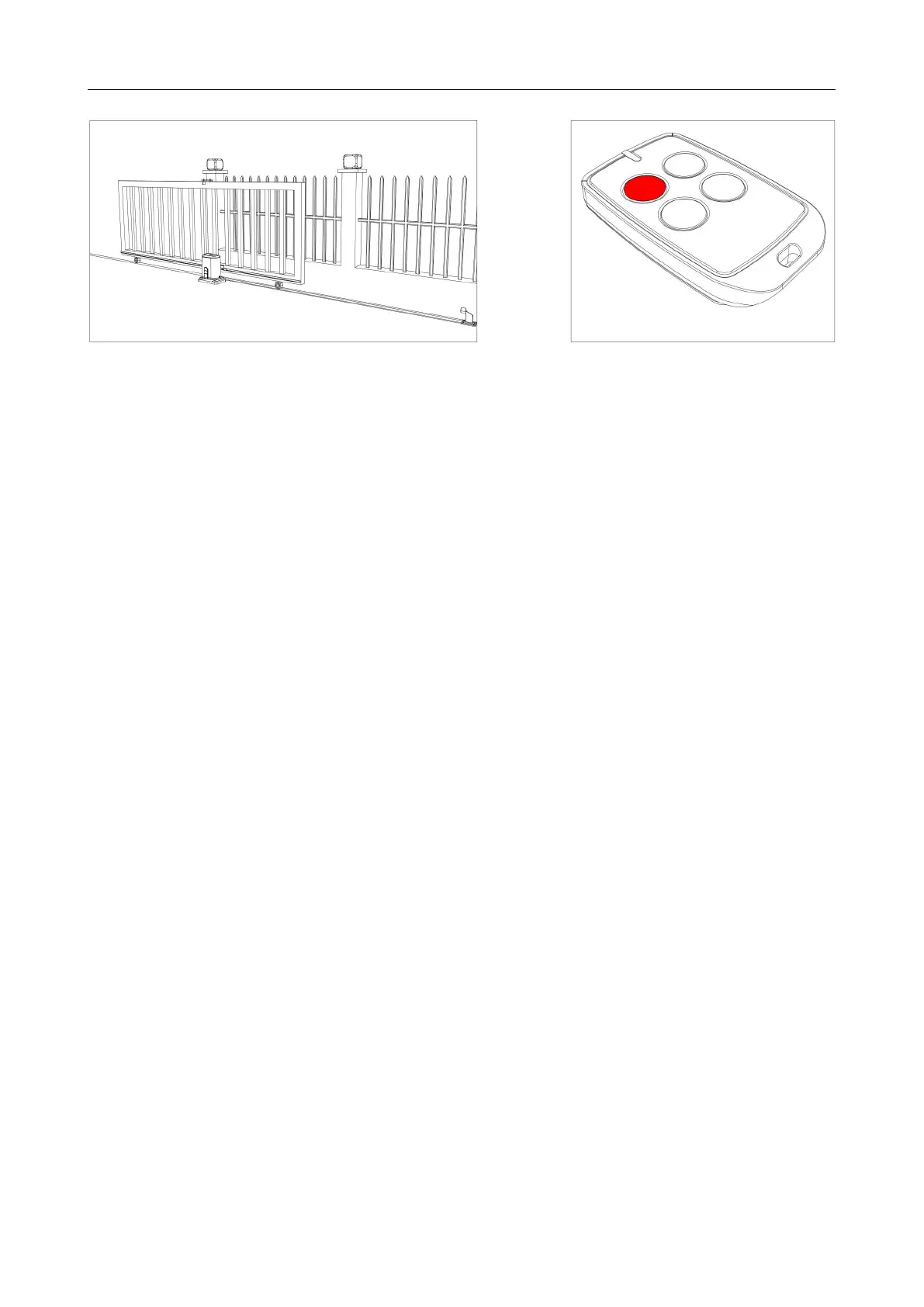
Figure 13
Step 10 - Testing Travel and Limit Stops
Testing the Closed Position
· Ensure gate opener is installed as per step 5, 6 and 7 and the sliding gate is in the middle
position.
· Press remote (remotes included in kit are factory paired to the motor). The sliding gate will
begin to close.
· The limit switch stop will hit the limit switch and the sliding gate will stop.
· When the gate stops, measure the distance remaining between the sliding gate and the desired
closed position.
· You have now determined the closed position of the sliding gate when the limit switch stop hits
the limit switch.
· Adjust the limit switch stop from the measurement you have taken to get your final gate closed
position. The ideal closed final position for the gate frame is 10-15mm from closed gate end
catch.
Testing the Open Position
· Press remote, the sliding gate will begin to open.
· The limit switch stop will hit the limit switch and the sliding gate will stop.
· When the gate stops, measure the distance remaining between the sliding gate and the desired
open position.
· You have now determined the open position of the sliding gate when the limit switch stop hits
the limit switch
· Adjust the limit switch stops from the measurement you have taken to get your final gate open
position. The ideal open final position for the gate frame is 10-15mm from the gate stop.
Now the basic open and closed positions are set, for further setting functions and adjusting
parameters, please refer to pages 15-22 in this manual.



 To Next Page