GA600AC Sliding Gate Opener User Manual
when setting the open position under power.
· Fit magnet bracket onto the top of gear rack at the point where it meets the Magnetic limit
switch on the motor.
· Tighten locking screws of limit switch stop.
Test the magnetic limit switch stops by moving the gate manually until you hear a click, making sure
contact is made with the magnetic limit switch on the motor.
To Reset: Turning the power off will reset the limit switch stop memory. Power on the gate
opener again, pressing remote control or external push button switch to open and then
close the gate once, then new limit switch stop setting is completed.
Step 9 - Powering on
· Ensure that the outer cover has been fitted and fastened back onto the motor base.
· Before powering up the gate opener make sure the gate can travel by hand in manual mode
(key unlocked).
· Slide the gate to between the middle of the posts, approximately (see below diagrams).
· Lock the manual release spanner (key locked) in readiness for automatic mode.
· Plug the power cord into an approved RCD protected weatherproof outlet.
· Remote controls included in this kit are factory paired ready for use.
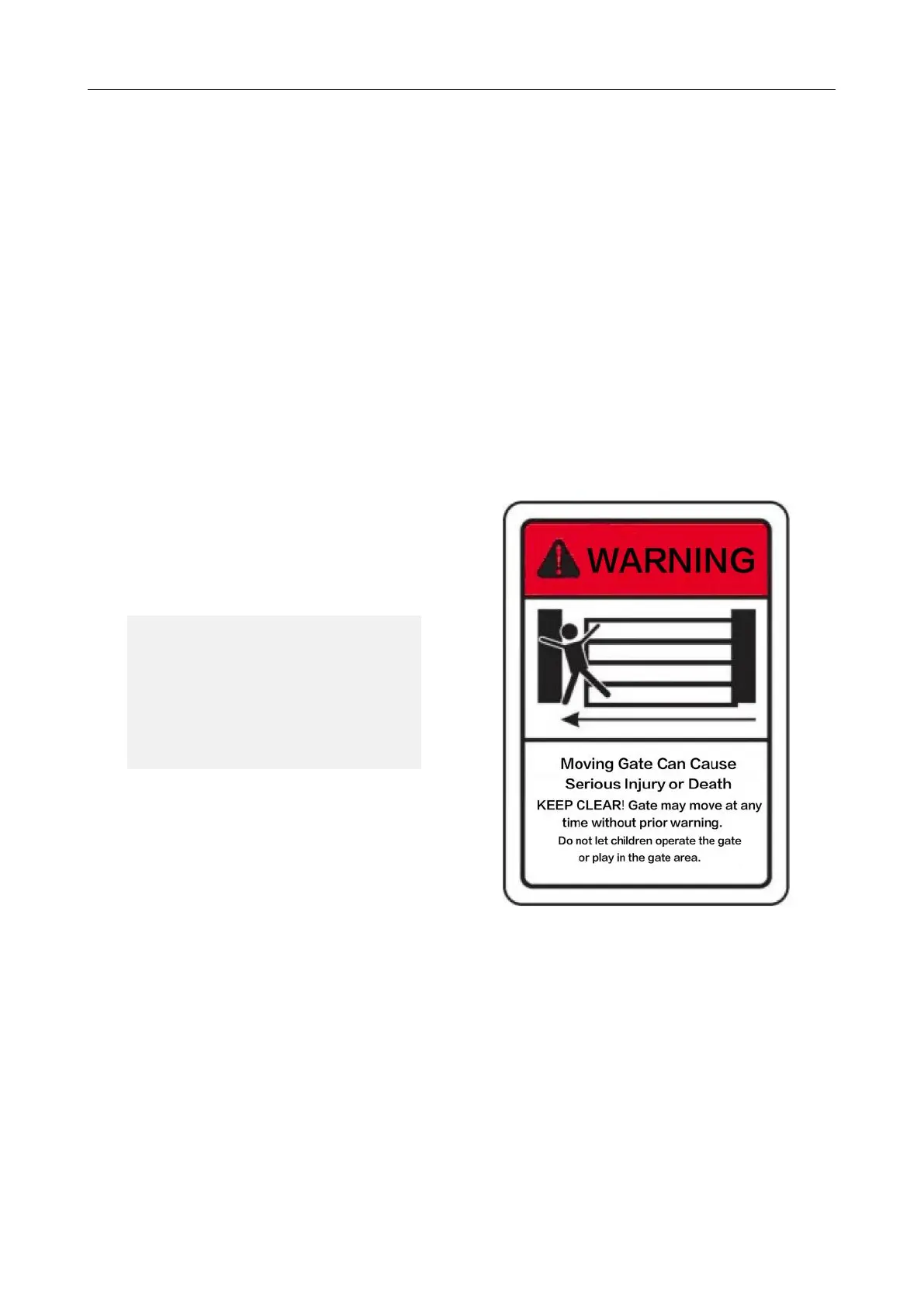
Please note: Warning signs
provided must be displayed
facing the street side.



 To Next Page