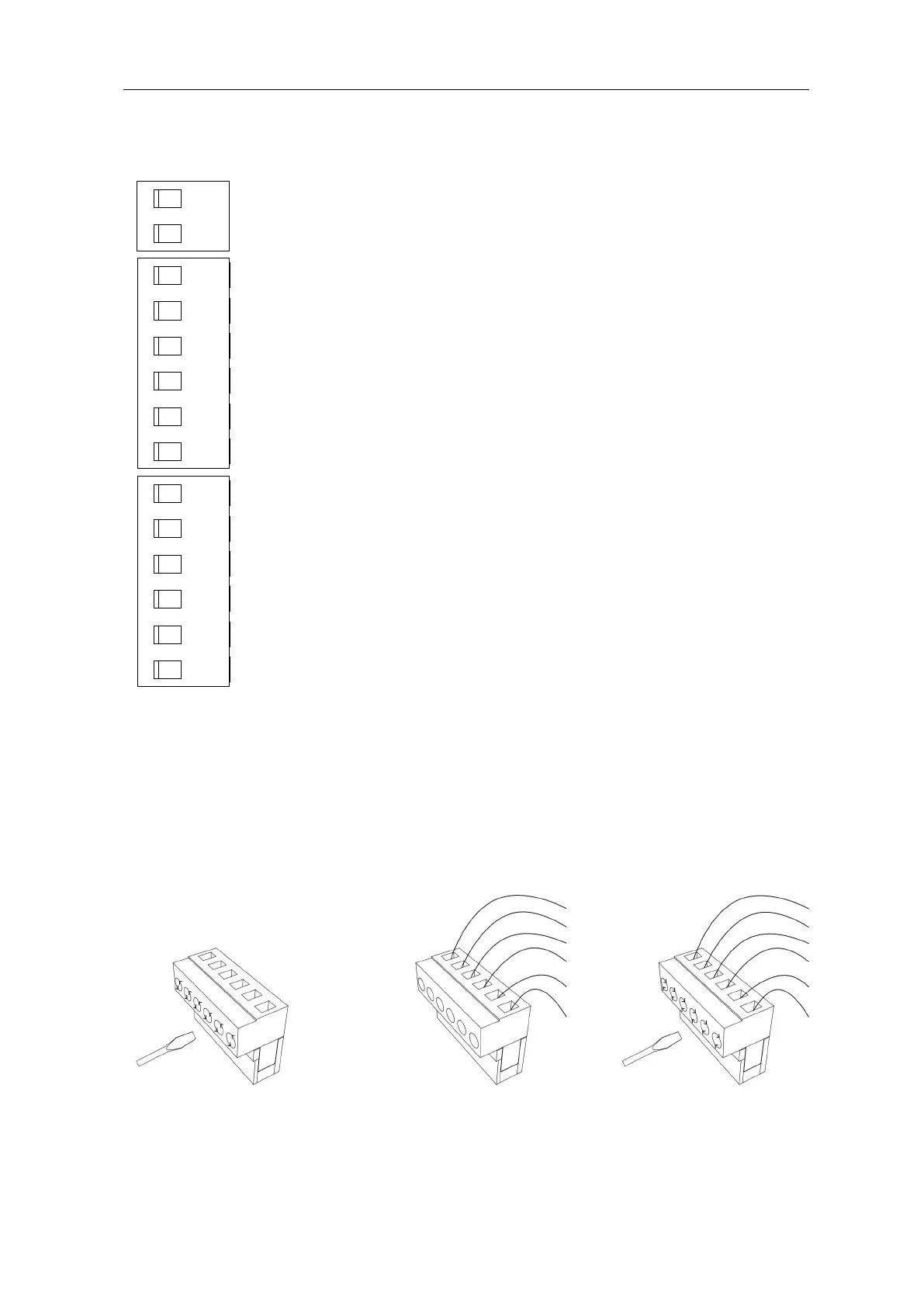
Insert the wire into the number on
the terminal that you are looking to
connect to. Refer to Page 19.
J6 Terminal: Port 13 and Port 14 output door closing in place
feedback signals.
J5Terminal: Limit Switch and Accessories
Additional accessories sold separately
Port 12
:
Open Limit Switch
Port 11
:
Limit Switch Common Port
Port 10
:
Close Limit Switch
Port 9
:
Ground/Earth (GND)
Port 8
:
Photocell input (N.C.). If no photocell is fitted, use a
jumper between Ports 8 & 9.
Port 7
:
Power supply for accessories (+15V)
J4 Terminal: (as per Figure 18)
Port 6: External Push Button Pedestrian Switch.
Port 5: External button Single cycle button. (Cycle open/stop/close)
Port 4
:
Common Port for All External Control Push Button
Port 3
:
External Stop Push Button Switch.
Port 2
:
External Open Push Button Switch.
Port 1
:
External Close Push Button Switch.



 To Next Page