GA600AC Sliding Gate Opener User Manual
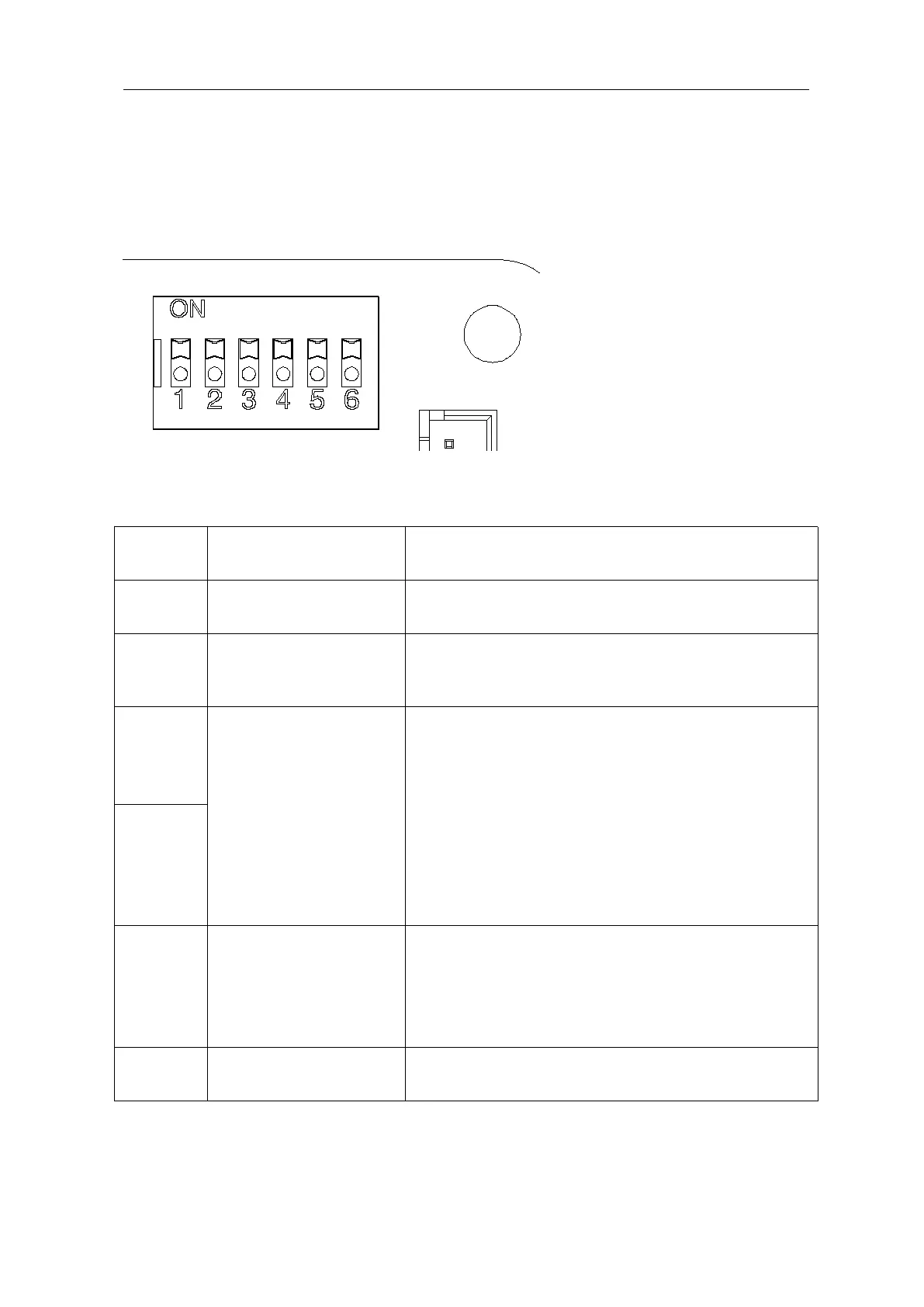
DIP Switch Adjustment
All changes to these settings must be completed by a licensed electrician.
Figure 15
OFF-enable; ON-disable.
Default OFF
OFF-normally open limit; ON-normally closed limit.
Default ON, used with motor limit status, not
recommended to be modified by the user
Automatic close time setting: the gate is operated to
open by remote control operation and will close
automatically after a few seconds delay.
3 OFF 4 ON: automatic close delay time is 12s.
3 ON 4 OFF: automatic close delay time is 24s.
3 ON 4 ON: automatic close delay time is 36s.
3 OFF 4 OFF: no automatic close function.
Default setting: 3 OFF 4 OFF
Disable the automatic close function.
OFF-enable
ON-disable
Default position is OFF, this should align with the
opener status and is not recommended to be
modified by the users.
OFF - single channel
ON - Three channels



 To Next Page