Expert Pro User Manual
Installation 2-2
2.2 Stand & Flexible Media Support System
2.2.1 Stand Installation(
((
(Optional for EP-60)
))
)
Please follow the procedures below for assembling the stand and the media
support system.
Step 1 Please examine the supplied items in the accessory box of the stand carton
before you install:
Item List:
::
:
1 Left side vertical stand
1 Right side vertical stand
1 Support for left side
1 Support for right side
1 Stand Beam
2 Bottom Stands with wheels
2 Sliding brackets for paper takeup
1 Hex Wrench (M5)Φ4
28 Socket flat head screws(M6*12L)
1 Installation Guide
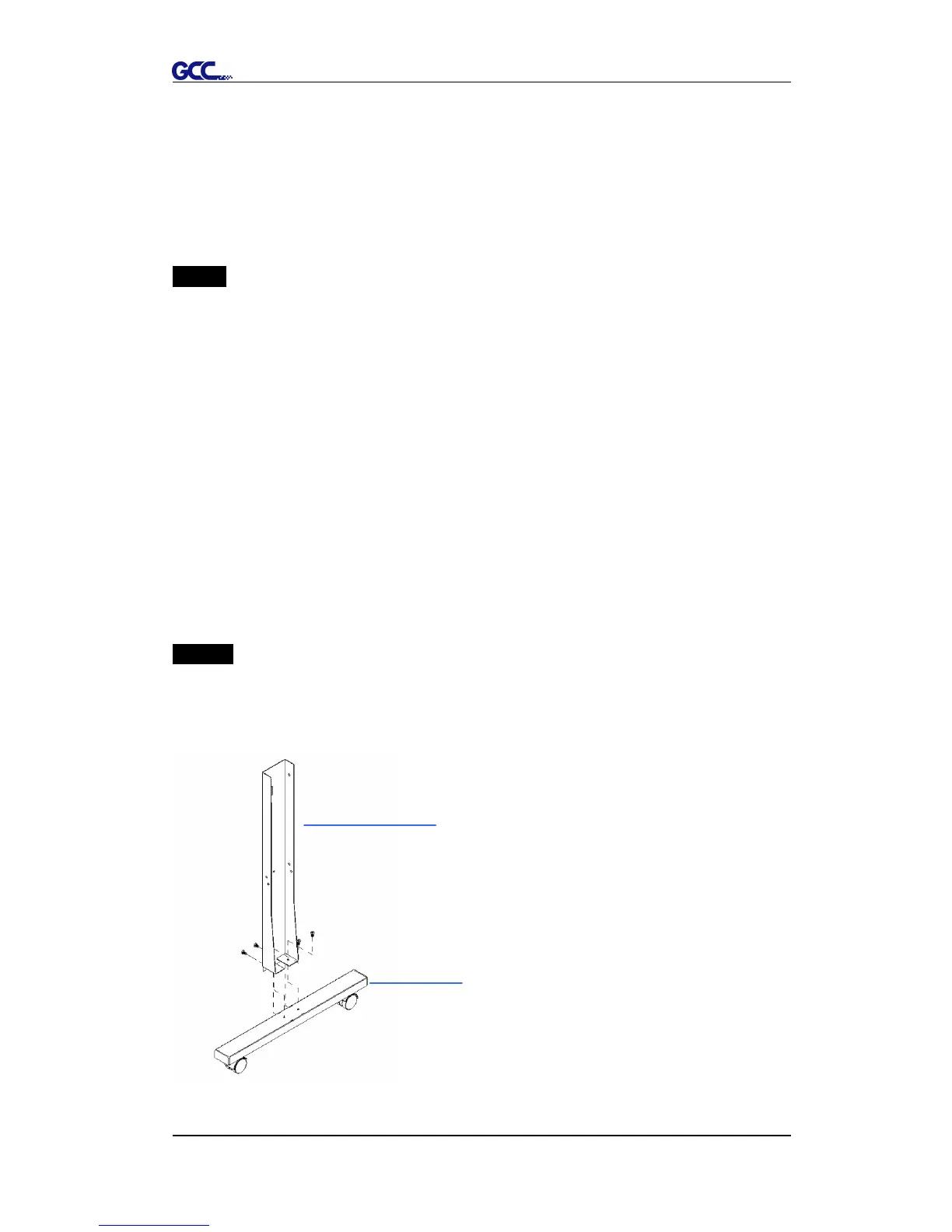
Step 2
Position the Left side vertical stand perpendicularly to part and put the
screws into the holes and tighten them to form a left side T-stand (Figure 2-1).
Repeat the same steps with the Right side vertical stand.
Figure 2-1














 To Next Page