Expert Pro User Manual
Installation 2-12
2.4 Blade Installation
! Caution
Do not touch the tip of the blade by your fingers.
! Notice
The blade is a consumable item, which will affect the cutting quality significantly.
Please replace with a new blade when having the following situations:
1. The tip of blade is broken.
2. The cutting traces are not as good as they were.
3. Uncut area remains the same even the blade force has been raised
significantly.
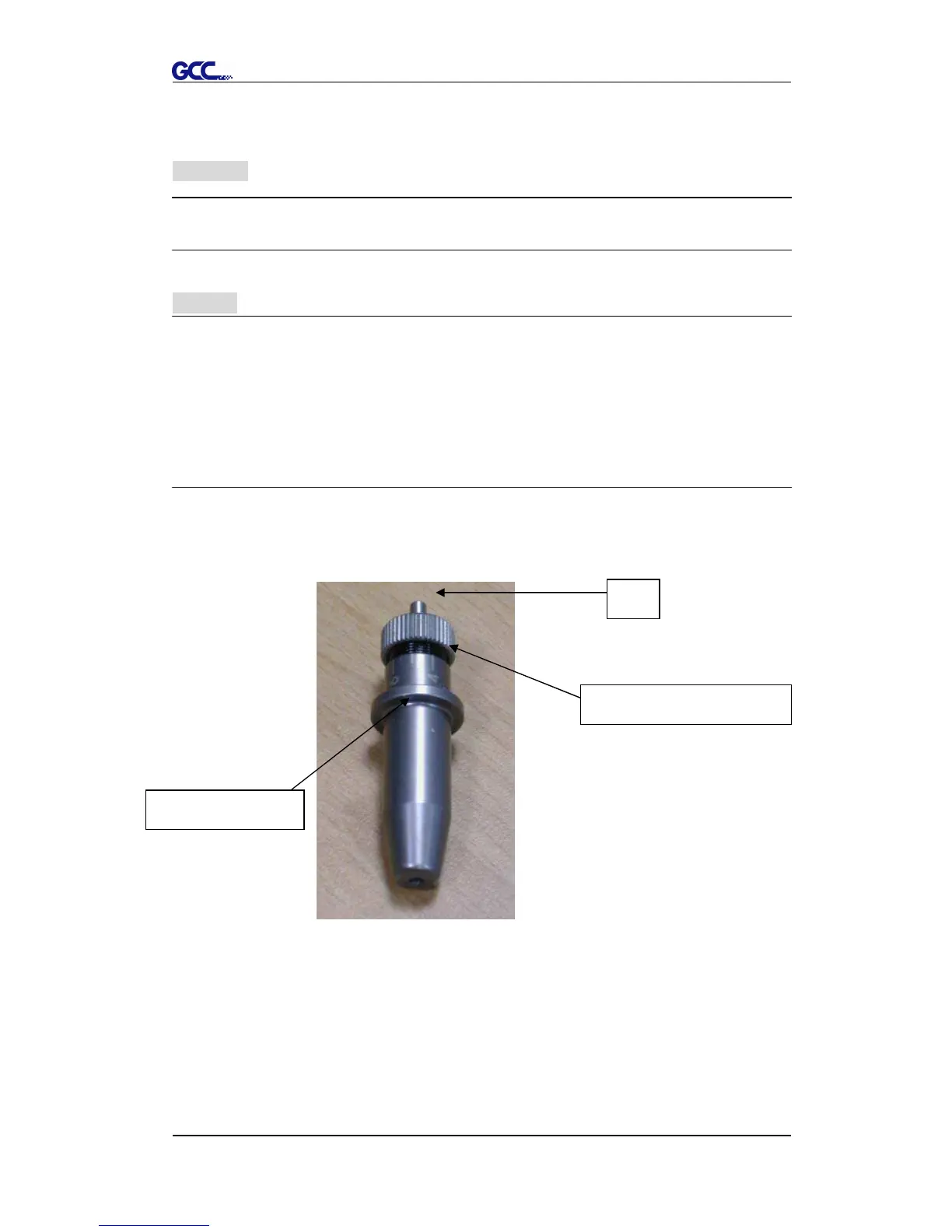
Figure 2-12 is the picture of the blade holder. Insert a blade into the bottom of
the blade holder. Pushing the pin on the top of blade holder can remove the
blade. Be sure to keep your fingers away from the blade tip.
Pin














 To Next Page