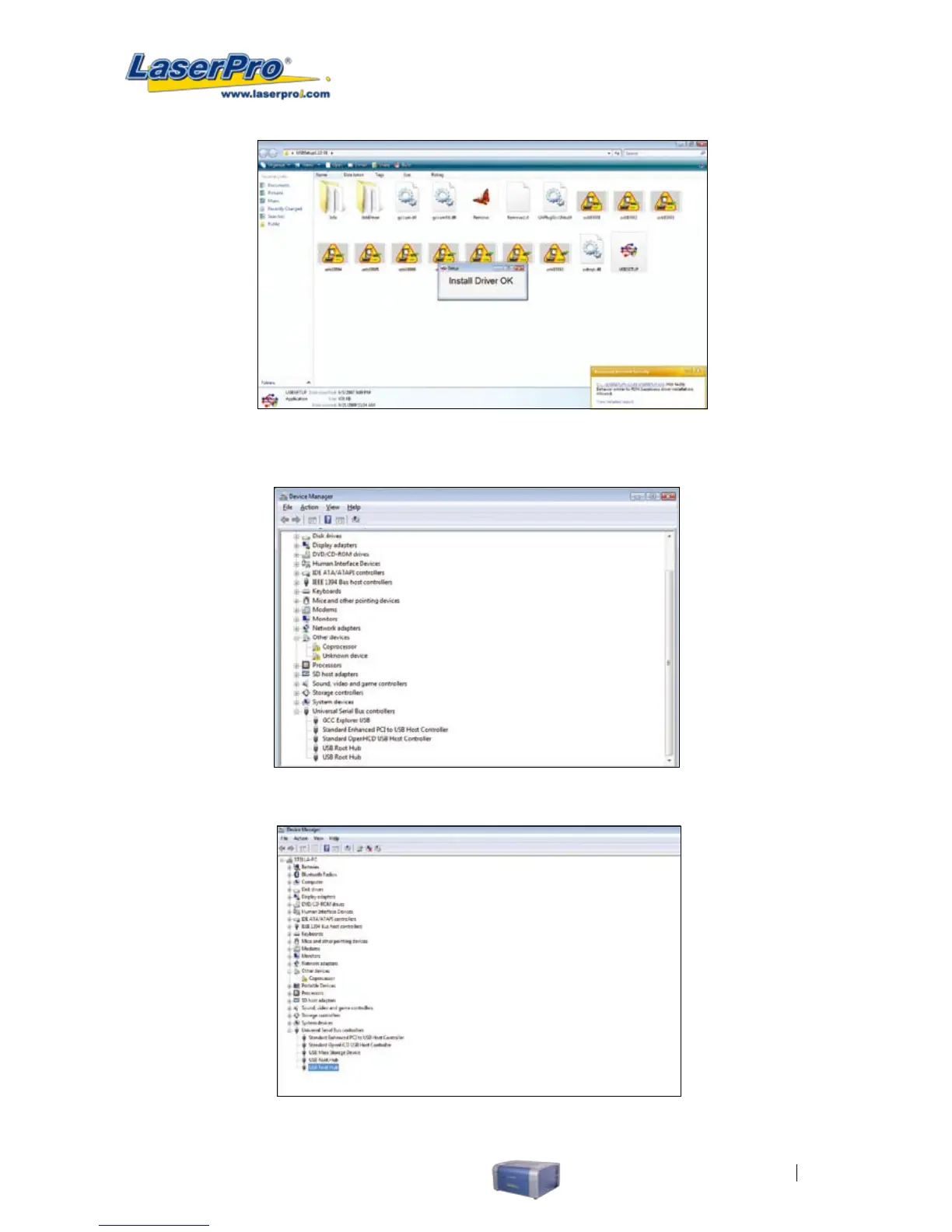
3. Double check if the GCC USB driver has been installed correctly by going to the “Device Manager
”and locate the “Universal Serial Bus Controllers” )
• Attention: Remove previous installations if any. ( Right click on previous installations and select
remove driver, then unplug and plug USB cable from laser engraver again.)
Fig: If the USB Print Support has been installed on the computer, it will be shown
on the above screen



 To Next Page