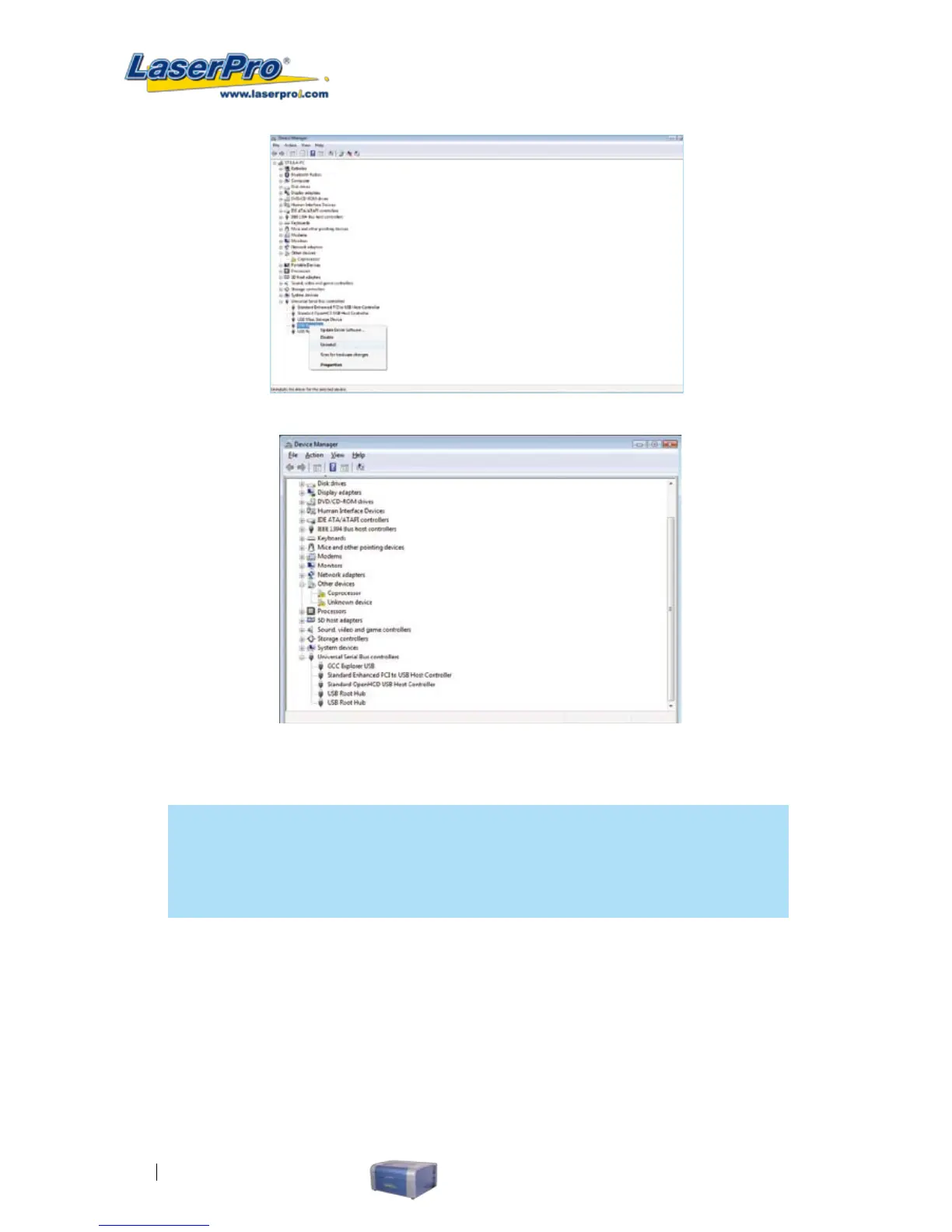
Fig: Unplug and reconnect the USB cable and the “ GCC USB Driver” icon will be shown.
NOTE
Installation of “Upgrader.exe” under Win Vista: Even if the GCC USB has been installed
correctly, it will still not work correctly when you are not logged in as an administrator to
run the “Upgrader.exe” le.
Example 1:
If we run the "Upgrader.exe" le but did not use "Run as Administrator". The GCC USB driver port
will not show up in the pull down menu of the Com Setup.



 To Next Page