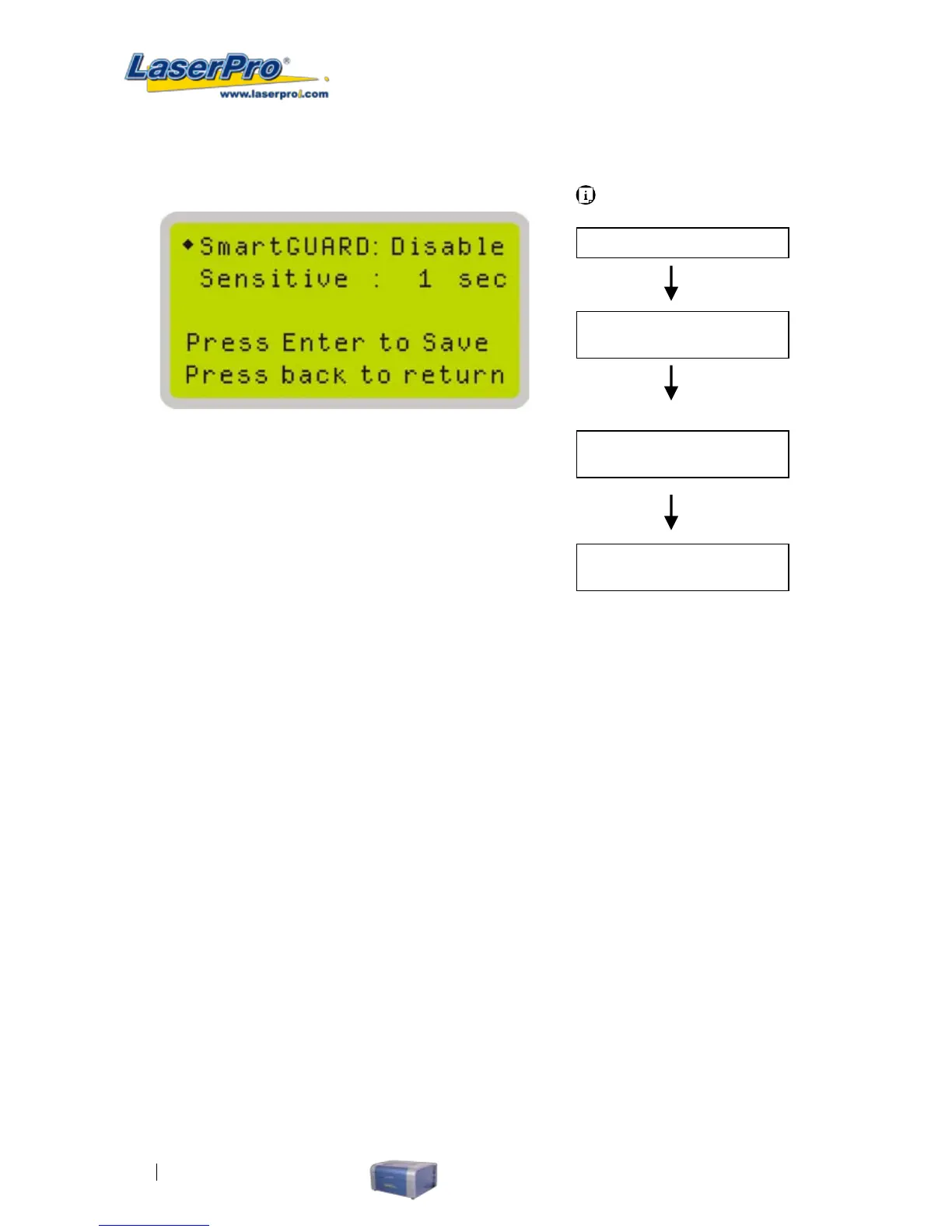
SmartGUARD Page
After installation of the SmartGuard sensor, please enter the SmartGUARD Setting menu on the
control panel to enable the SmartGUARD re alarm.
• SmartGUARD : Enable/Disable
• Sensitivity : 1,3,5,7,9 seconds
SmartGUARD :
Press directional key (left or right) to enable the SmartGUARD device or disable it.
Sensitivity :
Press directional key (left or right) to set the sensitivity of SmartGUARD. There are ve sensitivity
settings (1,3,5,7,9 seconds) that can be selected. Sensitivity is dened by the delay time from when a
re is detected until the re alarm alerts user of re and automatically shuts down the system. For
example, if the sensor delays switch is set to the 3 seconds position, the SmartGUARD will start an
alarm and automatically shutdown the laser system after detecting a re for 3 seconds.
Carriage / Work Table
Adjustment Page
Main Work Page
Menu Page
Press Menu
Navigating to this page:
Machine Setting Page
Select < SmartGUARD
Setting > from the
menu
SmartGUARD Setting Page
Select < Machine
Setting > from the
menu



 To Next Page