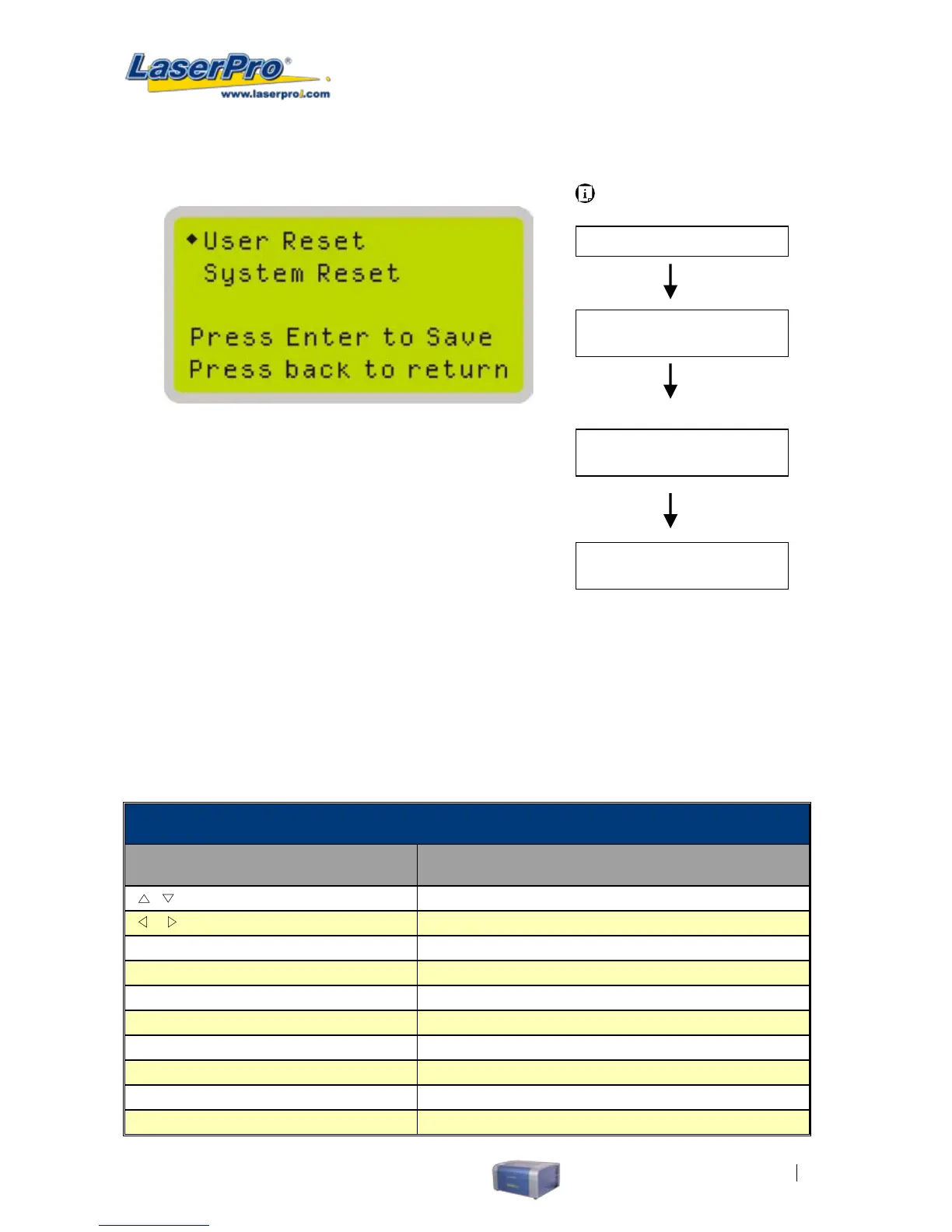
Reset Page
The Reset Page allows you to reset all changes made to the LaserPro C180’s Machine Settings Page
to their default settings. This does not affect the settings saved to an image le on the computer. The
User Reset setting will set all settings back to the default. After any rmware updates, you must use
the System Reset setting (your previous settings are saved).
• User Reset ( a conrmation will pop up, press Enter to conrm and continue)
• System Reset ( a conrmation will pop up, press Enter to conrm and continue)
Reset Page
Relevant Buttons Function
/
Directional Scroll between selections
/
Directional Scroll between selections
Enter Select indicated option
Menu
Go to Menu Page
A/F
Initiate the auto focus function
A/F ▲ / ▼ Directional
Manually adjust the height of the work table (Z-axis)
Start / Pause Go to Main Work page
Stop Go to Main Work page
Back Go to previous screen
Light Turn Light On/Off
Carriage / Work Table
Adjustment Page
Main Work Page
Menu Page
Press Menu
Navigating to this page:
Machine Setting Page
Select <Reset> from
the menu
Reset Page
Select < Machine
Setting > from the
menu



 To Next Page