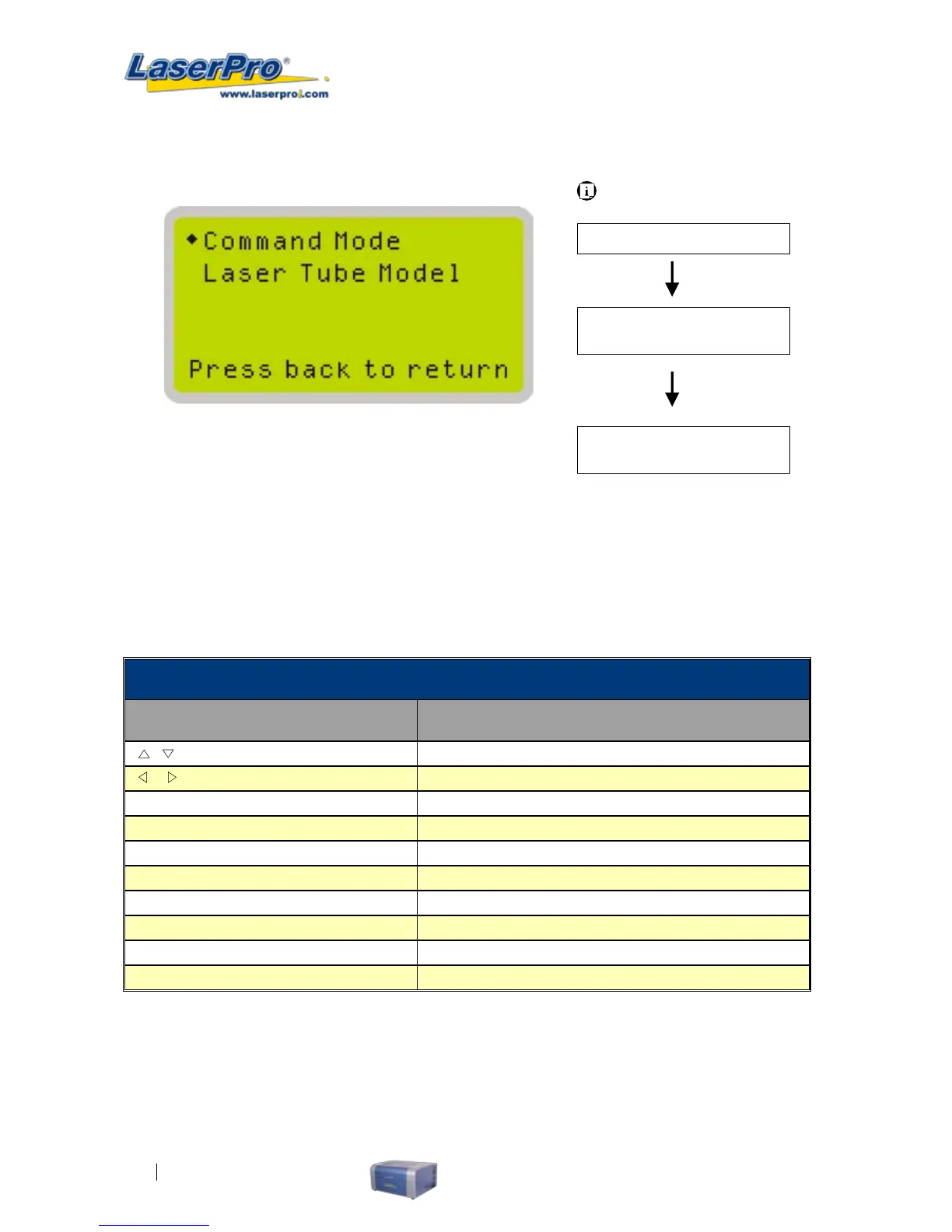
Advanced Setting Page
The Advanced Setting Page allows you to modify two machine settings namely: Command Mode and
Laser Tube Model. Usually we do not need to change these settings.
Advanced Settings Page
Relevant Buttons Function
/
Directional Scroll between selections
/
Directional No Action
Enter Select indicated option
Menu
Go to Menu Page
A/F
Initiate the auto focus function
A/F ▲ / ▼ Directional
Manually adjust the height of the work table (Z-axis)
Start / Pause Go to Main Work page
Stop Go to Main Work page
Back Go to previous screen
Light Turn Light On/Off
Carriage / Work Table
Adjustment Page
Main Work Page
Menu Page
Press Menu
Navigating to this page:
Advanced Setting Page
Select < Advanced
Setting > from the
menu



 To Next Page