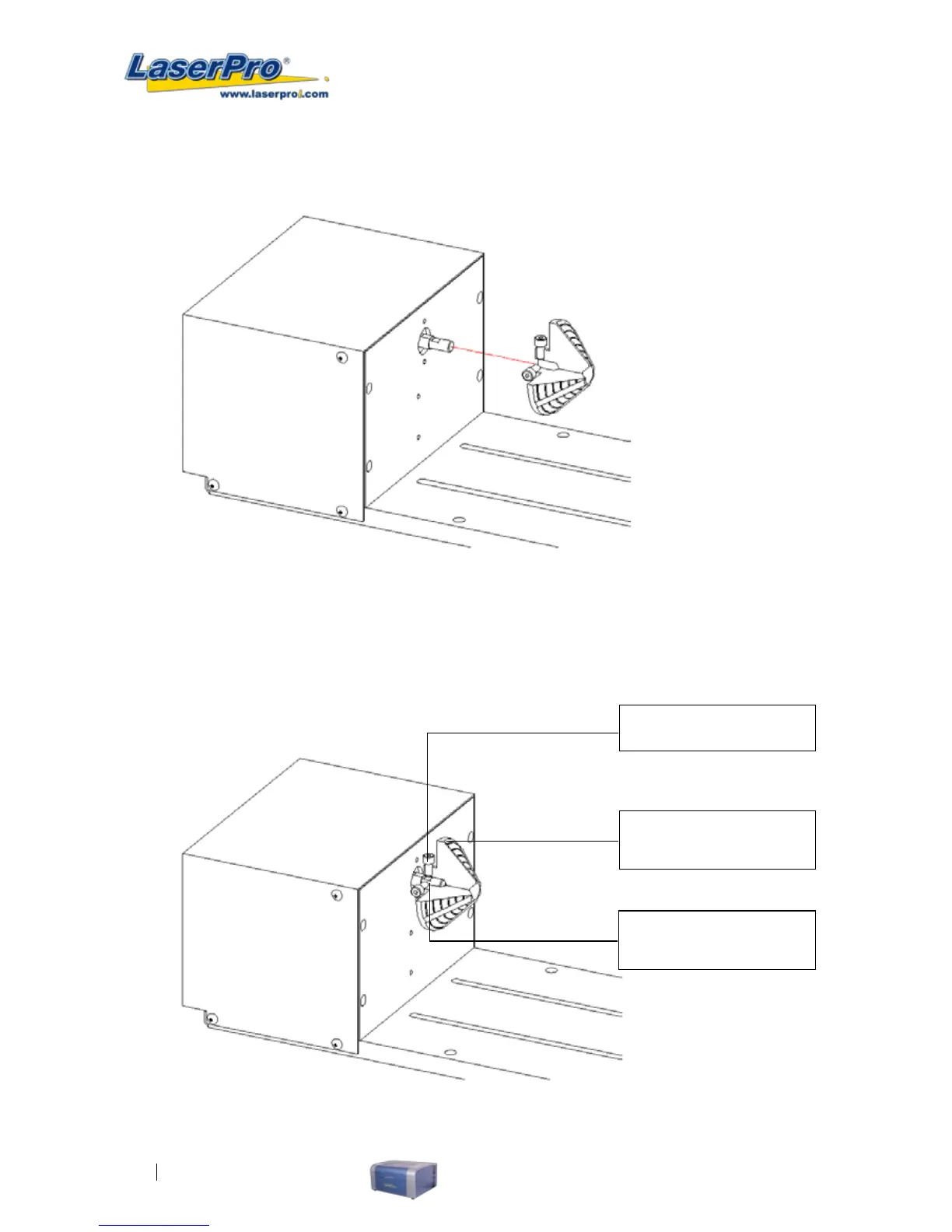
C. Assemble the smaller conical xture onto the rotary attachment as shown below.
D. Use the at surface as shown in picture below as a reference point and tighten
the rst screw against it. After doing so, tighten the second screw and the rotary
attachment is ready for use.
1. Tighten this against the
at surface
2. Tighten the second
screw
Flat surface



 To Next Page